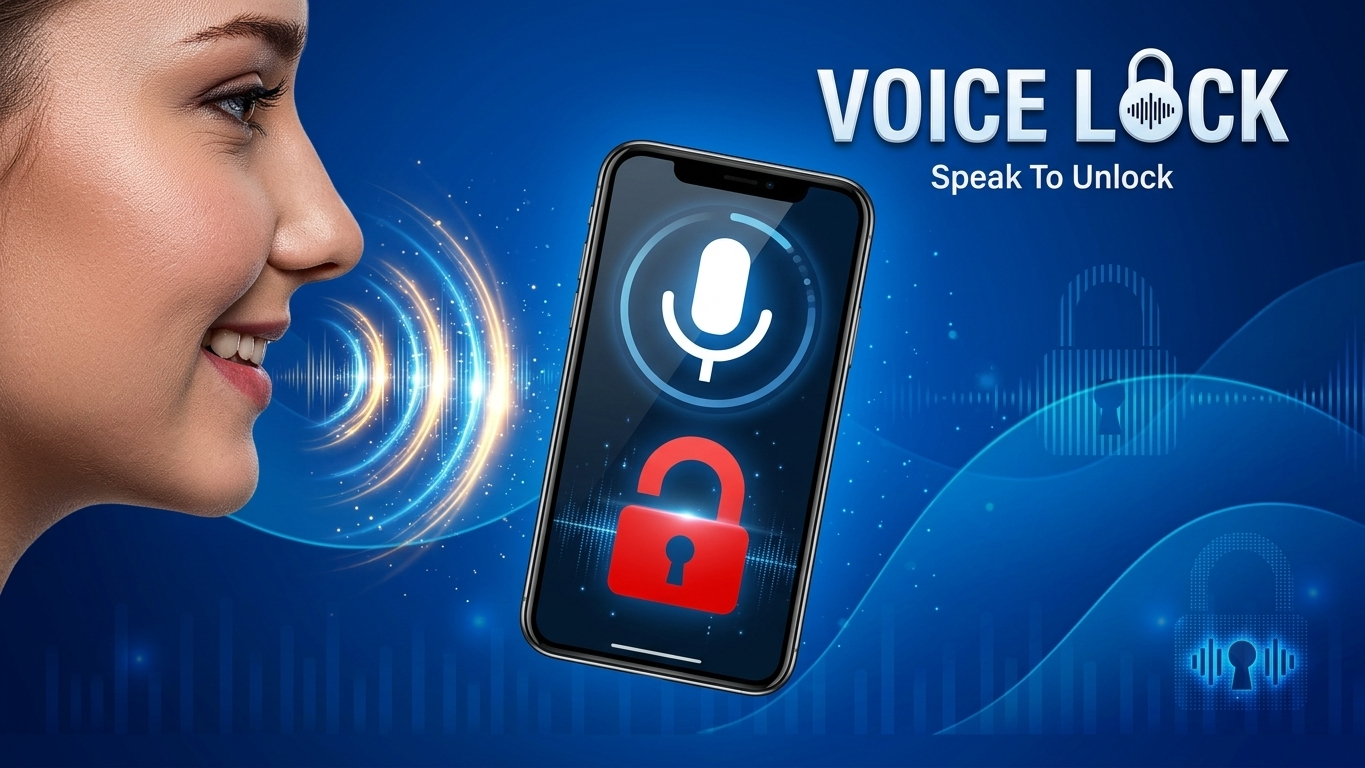
Keeping your smartphone secure is more important than ever, especially when it contains personal photos, banking apps, social media accounts, and important documents. While Android phones already offer built-in security options like PIN, Pattern, Fingerprint, and Face Unlock, many users also enjoy trying unique lock screen apps that provide additional customization and a different unlocking experience.
One such application is Voice Screen Lock – Voice Lock. As the name suggests, this app allows you to set a custom voice command that can be used to unlock your phone. In addition to voice unlocking, the app also includes several other lock screen options, making it a feature-rich choice for users who like experimenting with smartphone customization.
In this article, we’ll explore everything you need to know about Voice Screen Lock – Voice Lock, including its features, setup process, advantages, limitations, and whether it’s worth installing on your Android device.
Also Read: Recover Deleted Photos and Videos Easily with a Photo Recovery App
What is Voice Screen Lock – Voice Lock?
Voice Screen Lock – Voice Lock is an Android application designed to provide an alternative lock screen experience. Instead of relying only on traditional passwords, the app lets users create a personalized voice command that can be used to unlock the device.
Besides voice unlock, the app may also offer other security methods such as PIN Lock, Pattern Lock, Signature Lock, Face Lock (on supported devices), and Time Password. It also includes customization options that allow users to personalize the appearance of their lock screen with wallpapers, themes, colors, and clock styles.
The exact features available may vary depending on your Android version, device compatibility, and the latest version of the app.
Key Features of Voice Screen Lock
Voice Password Unlock
The main attraction of this application is its voice unlock feature. Users can record a custom phrase or command and use it as their unlocking password. Whenever the phone is locked, speaking the saved voice command may unlock the device.
Multiple Lock Screen Options
Instead of limiting users to only voice unlock, the app includes several additional security methods, including:
- Voice Lock
- PIN Lock
- Pattern Lock
- Signature Lock
- Face Lock (Supported Devices)
- Time Password
These options give users more flexibility while securing their devices.
Backup Security
Since voice recognition may not work perfectly in every situation, the application allows users to keep a backup PIN or Pattern Lock. This ensures you can still access your phone if voice recognition fails.
Lock Screen Customization
The application offers various customization features, allowing users to personalize their lock screen according to their preferences. You can change wallpapers, themes, clock styles, colors, and other visual elements to give your device a fresh appearance.
User-Friendly Interface
The app features a simple layout that makes navigation easy even for first-time users. Most settings can be configured in just a few steps.
How to Set Up Voice Screen Lock
Setting up the application is quite simple. Follow these steps:
- Download and install the app from the Google Play Store.
- Open the application and grant the required permissions.
- Tap the option to create a Voice Lock.
- Record the voice phrase you want to use as your password.
- Confirm the same voice command if prompted.
- Create a backup PIN or Pattern Lock for additional security.
- Enable the Voice Lock feature from the app settings.
- Lock your phone and test the voice command.
If the recorded voice matches successfully, the app will attempt to unlock the device.
Tips for Better Voice Recognition
To improve voice recognition accuracy, consider the following tips:
- Record your voice in a quiet environment.
- Speak naturally and clearly.
- Avoid changing your pronunciation frequently.
- Keep your microphone clean.
- Always set a backup PIN or Pattern Lock.
These simple practices can help improve your overall experience with the application.
Advantages
- Unique voice-based unlocking experience.
- Easy setup process.
- Multiple security options available.
- Backup unlock methods for convenience.
- Attractive themes and lock screen customization.
- Suitable for users who enjoy personalization.
Limitations
Like most third-party lock screen apps, Voice Screen Lock also has some limitations.
- Voice recognition may not work accurately in noisy environments.
- Some features depend on device compatibility.
- Face Lock availability varies across Android devices.
- Performance may differ between smartphone models.
Keeping these points in mind will help set realistic expectations while using the app.
Is Voice Screen Lock Worth Trying?
If you’re looking for a different way to customize your Android phone, Voice Screen Lock – Voice Lock offers an interesting alternative to standard lock screens. The combination of voice unlocking, backup security options, and customization features makes it appealing for users who enjoy experimenting with their devices.
However, if security is your highest priority, it’s still a good idea to keep Android’s built-in authentication methods, such as Fingerprint or Face Unlock, enabled whenever possible. Using a backup PIN or Pattern Lock is also recommended for added reliability.

Also Read: Designer Tools Pro App: An Easy Way to Review and Improve Mobile UI Designs
Final Thoughts
Voice Screen Lock – Voice Lock is a useful Android application for users who want to add a unique touch to their smartphone’s lock screen. Its voice password feature, combined with options like PIN, Pattern, Signature, and Face Lock, offers a flexible and customizable experience. While voice unlocking can be convenient and fun to use, it’s always wise to enable a backup unlocking method for better reliability. If you enjoy personalizing your Android device and trying different security options, this app is worth exploring.

Ankita Kumar, founder of sabhigyan.com, is passionate about technology, smartphones, apps, and digital tools. With 8+ years of experience in the digital and tech space, he focuses on creating easy-to-understand, practical, and helpful content that makes everyday technology simpler for readers.
Advertisements