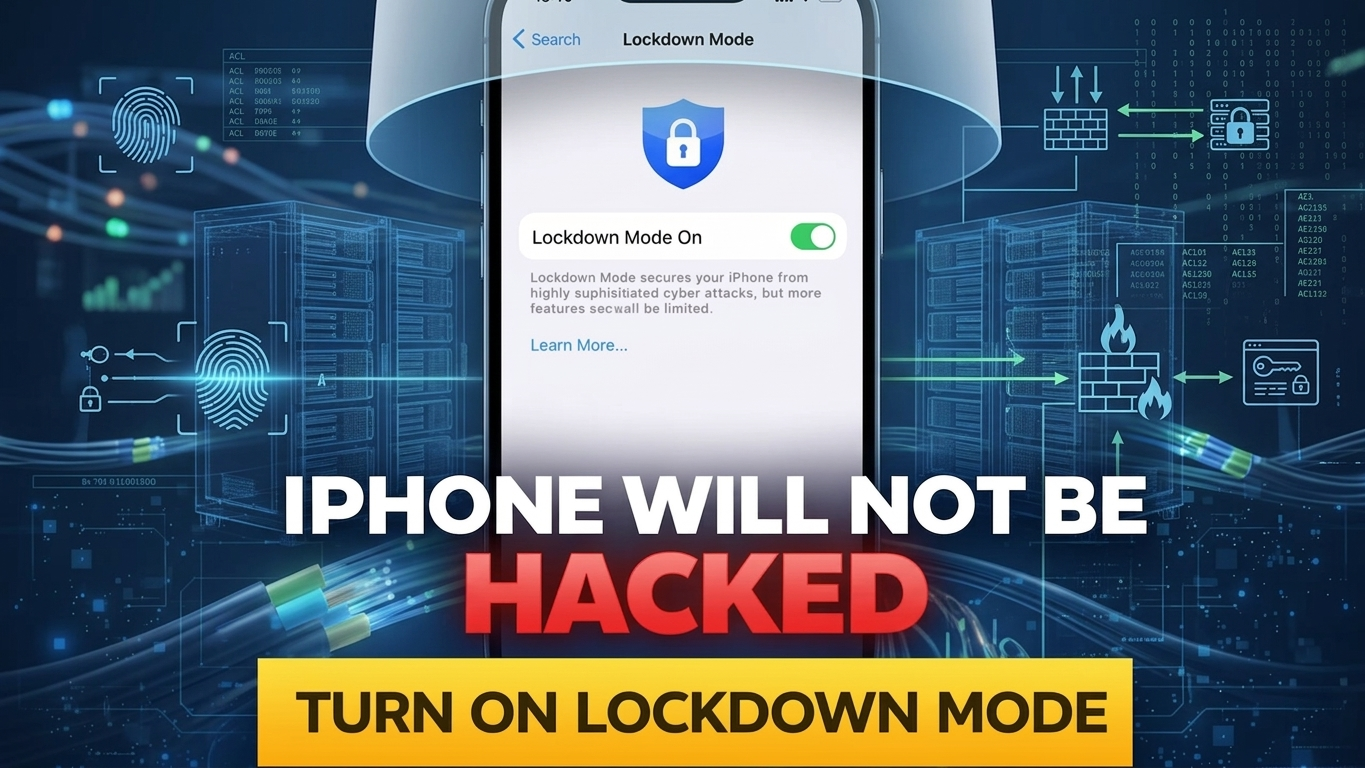
As concerns around digital privacy continue to grow, smartphone users are paying closer attention to security features that can protect their personal data. Apple has introduced one such advanced tool called Lockdown Mode, designed specifically to defend iPhones against highly targeted cyberattacks.
This guide breaks down what Lockdown Mode is, how it works, its advantages and limitations, and whether it’s the right choice for you.
Also Read: Apple’s AI Strategy May Evolve with Smarter, Lightweight Models
What Exactly Is Apple Lockdown Mode?
Lockdown Mode is a specialized security setting available on iPhones that significantly boosts protection against sophisticated threats like spyware and targeted hacking attempts. Unlike regular security features, this mode is built for individuals who may face serious digital risks—such as journalists, public officials, or activists.
When activated, Lockdown Mode restricts several functions on your device to minimize vulnerabilities. Think of it as turning your iPhone into a highly secure, limited-access system where only essential operations are allowed.
Apple’s Security Claim: How Strong Is It?
Apple has emphasized that Lockdown Mode dramatically reduces the chances of a successful cyberattack. By cutting off common entry points used by hackers—such as malicious links, unknown connections, and certain file types—the feature makes it extremely difficult for attackers to gain access.
However, it’s important to understand that no system can be declared completely “unhackable.” Lockdown Mode simply lowers the risk to a very high degree, especially against advanced and targeted threats.
How Lockdown Mode Protects Your iPhone
Once enabled, Lockdown Mode tightens your device’s defenses by disabling or limiting features that could be exploited. Here are some key changes you’ll notice:
- Message attachments are restricted
- Calls from unknown contacts via FaceTime are blocked
- Some websites may not function properly
- New wired connections require approval
- Certain background processes are limited
By reducing these potential attack points, your iPhone becomes far less exposed to harmful activities.
The Trade-Off: Security vs. Convenience
While Lockdown Mode offers enhanced protection, it comes at the cost of usability. Many everyday features may not work as expected, which can impact your overall experience.
Some common drawbacks include:
- Limited browsing capabilities on certain websites
- Restrictions on receiving attachments in messages
- Compatibility issues with apps or services
- Reduced connectivity options
Because of these limitations, Lockdown Mode may feel restrictive for everyday users who rely on full device functionality.
Also Read: ChatGPT Library Feature: A Powerful New Way to Store, Access, and Reuse Your Uploaded Files Easily
How to Turn On Lockdown Mode
Enabling Lockdown Mode is quick and straightforward. Just follow these steps:
- Open the Settings app on your iPhone
- Go to Privacy & Security
- Scroll down and select Lockdown Mode
- Tap Turn On Lockdown Mode
- Restart your device to activate it
You can disable it anytime by following the same process.
Should You Use Lockdown Mode?
Lockdown Mode is not meant for everyone. If you’re an average user who mainly uses your phone for everyday tasks like social media, calls, and browsing, you may find the restrictions unnecessary.
However, if you believe you could be a target of advanced cyber threats—or if your work involves sensitive information—this feature can provide an extra layer of protection that goes beyond standard security measures.
Also Read: A Fresh Guide to Setting Up Your New iPad the Easy Way
Final Thoughts
Apple’s Lockdown Mode is a powerful addition to iPhone security, offering strong protection against rare but serious cyberattacks. While it significantly reduces risk, it also limits several features, making it less practical for daily use.
For most users, keeping your iPhone updated, avoiding suspicious links, and practicing safe browsing habits will provide sufficient protection. But for those who need maximum security, Lockdown Mode can be a valuable tool.