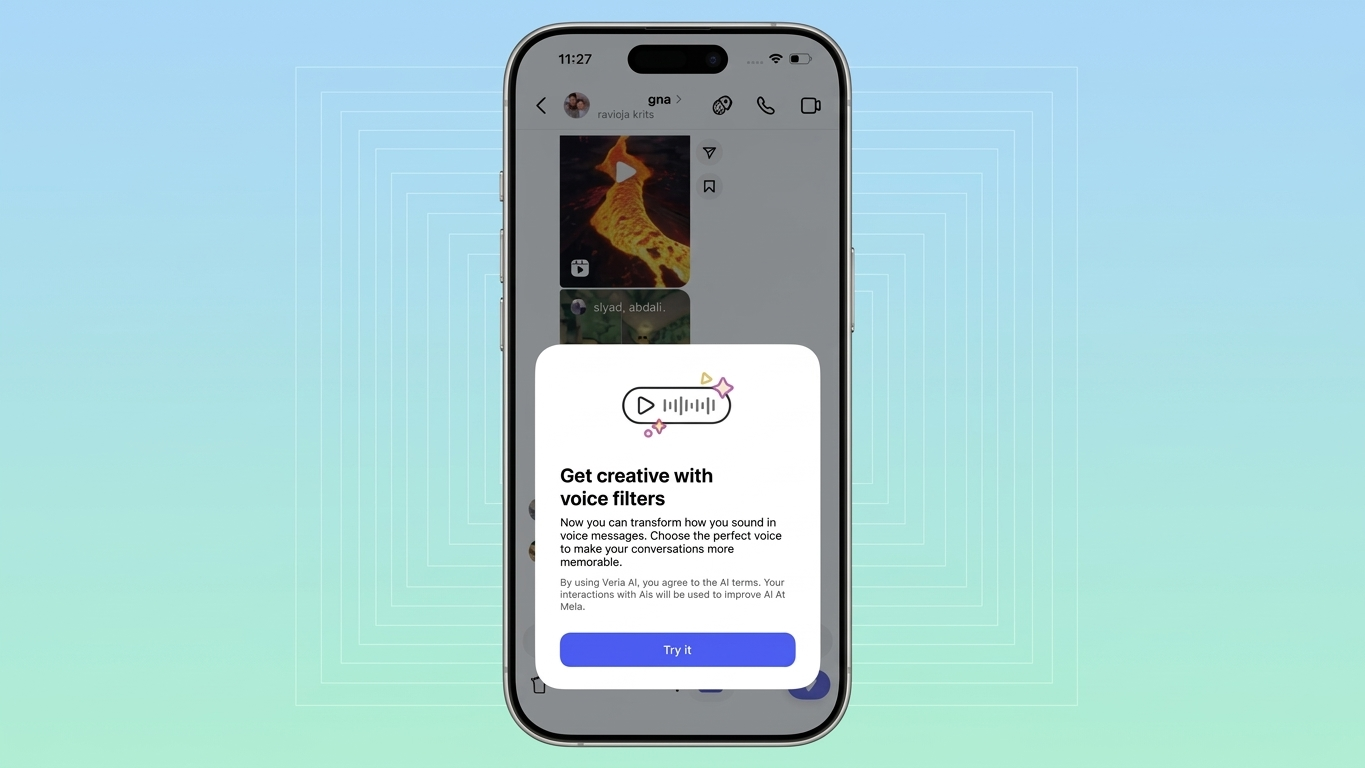
Instagram has introduced an interesting update that adds a creative twist to how people communicate in direct messages. Instead of sending plain voice notes, users can now transform how they sound using built-in AI-powered voice effects—right inside the app.
This feature is designed to make conversations more expressive, engaging, and, at times, entertaining—without requiring any additional tools or apps.
Also Read: How to Hide Your Online Status on WhatsApp (2026 Guide)
What Exactly Are AI Voice Effects?
Voice effects in Instagram DMs allow you to alter the sound of your recorded message before sending it. Rather than changing what you say, the feature modifies how it sounds.
The technology works by adjusting elements like tone, pitch, and resonance while keeping your speech clear and understandable. This means your message remains easy to follow, even after applying dramatic or playful effects.
Some commonly available voice styles include:
- A high-pitched, cartoon-like tone
- A robotic or synthetic voice
- A deep, intense sound
- A slightly muffled underwater effect
- Echo-filled audio similar to a large hall
- A musical, auto-tuned style
Each option creates a different mood, letting you tailor your voice to match your message.
How to Apply Voice Effects in Instagram Chats
Using this feature is simple and doesn’t take more than a few seconds. Here’s how you can try it:
- Open the Instagram app and go to your direct messages
- Choose an existing conversation or start a new one
- Press and hold the microphone icon to record your message
- After recording, access the voice effects option
- Preview different styles and select the one you prefer
- Send your voice note with the chosen effect
Once your message is sent, the selected effect is visible alongside the audio. Others in the chat can also tap it and use the same effect in their responses, making conversations more interactive.
What Makes This Feature Interesting?
Unlike basic audio filters, this tool adds personality to your voice messages. It allows you to match your tone with the context of your conversation.
For example:
- Use a deeper voice to exaggerate a serious reaction
- Switch to a playful tone for jokes or casual chats
- Add echo when making announcements in group chats
This kind of flexibility helps convey emotion more effectively than plain text or standard voice notes.
Practical Use or Just Entertainment?
At its core, this feature leans more toward fun than necessity. It’s especially enjoyable in casual conversations, group chats, or when you want to make your message more memorable.
While it may not replace regular voice notes, it adds variety—particularly for users who already enjoy sending audio messages. Even if you don’t use voice notes often, it’s a feature worth trying occasionally.
Also Read: How to Use “Ask Maps” in Google Maps: A Simple and Practical Guide
Final Thoughts
Instagram’s AI voice effects offer a simple yet creative way to enhance everyday messaging. With minimal effort, users can add humor, drama, or personality to their conversations.
It may not be an essential tool, but it certainly brings a new layer of expression to digital communication—making chats feel a bit more lively and personal.