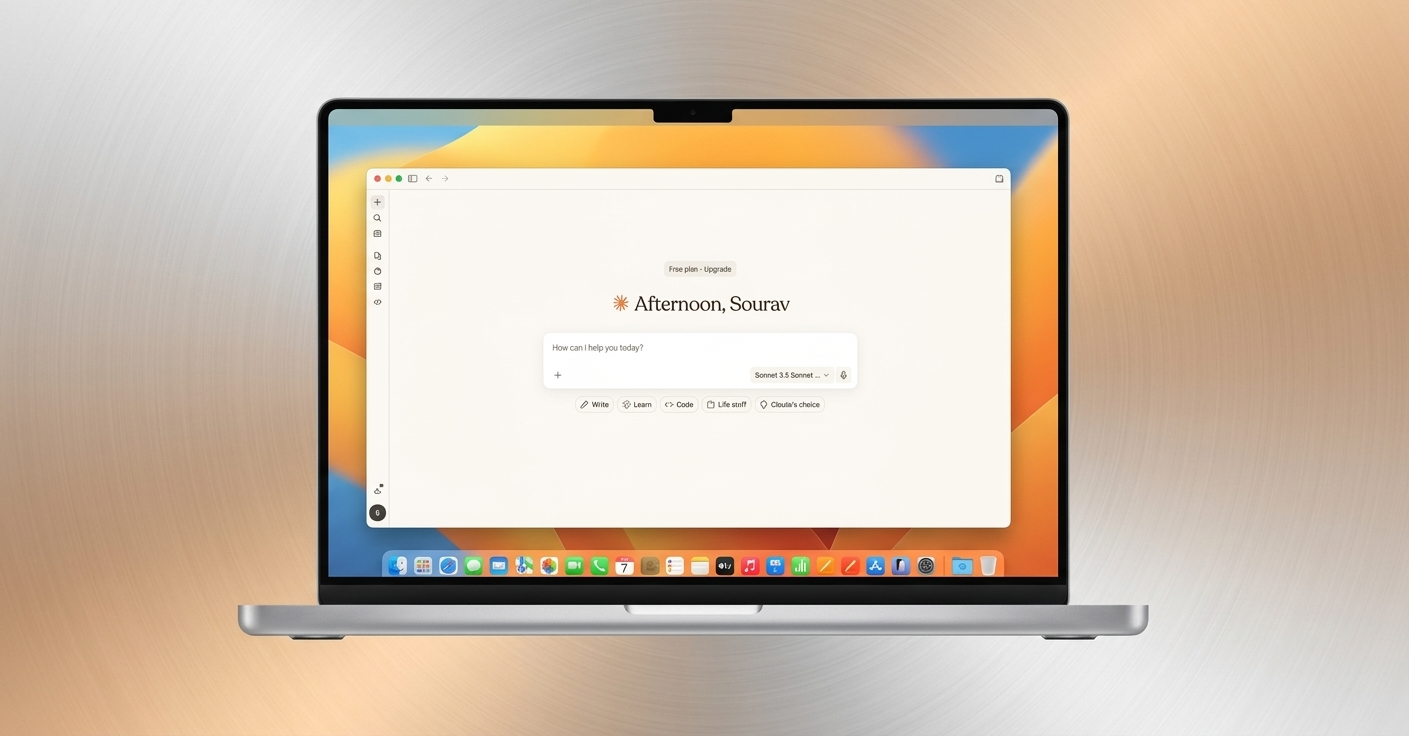
For a long time, ChatGPT was at the center of my writing process. It handled drafts, ideas, and revisions. I had heard of Claude, but it wasn’t something I seriously considered—until I decided to test both tools side by side.
At first, the contrast wasn’t dramatic. Both produced accurate content. But as I continued using them, subtle differences in tone, structure, and usability became more noticeable. Over time, those small distinctions began to affect how efficiently I could work.
Also Read: ChatGPT Library Feature: A Powerful New Way to Store, Access, and Reuse Your Uploaded Files Easily
A Smoother Path from Draft to Final Copy
One of the biggest changes I experienced was the reduction in editing effort.
With ChatGPT, my routine was consistent:
- Generate a draft
- Rewrite sections
- Adjust tone
- Remove repetition
It worked, but it often felt repetitive.
Claude didn’t eliminate this process entirely—but it simplified it. The drafts felt closer to my natural writing voice, requiring fewer adjustments. Instead of constantly fixing sentences, I could focus more on refining ideas and improving clarity.
That shift made writing feel less mechanical and more creative.
Better Adherence to Instructions
Another noticeable difference was how each tool handled instructions.
Even with clear prompts, ChatGPT sometimes introduced extra details, softened the tone, or drifted slightly from the original request. These weren’t major issues, but they added friction.
Claude, on the other hand, tended to stay aligned with the instructions more consistently. When given clear boundaries—like keeping an introduction concise or avoiding filler—it followed them without needing repeated corrections.
This consistency saved time and reduced the need for follow-up prompts.
Handling Long-Form Content More Effectively
The gap became clearer when working on longer pieces.
Writing a strong introduction is relatively easy for most AI tools. Maintaining clarity and direction across 1,000+ words is much harder.
With ChatGPT, I occasionally noticed:
- Repeated ideas
- Slight shifts in tone
- Loss of momentum
Claude managed long-form content more smoothly. It maintained context better and avoided circling back to previously covered points. The overall structure felt more intentional, which meant fewer interruptions to fix alignment issues.
For anyone focused on long articles, this difference can be significant
A More Reliable Tool for Editing and Rewriting
Editing existing content is a key part of my workflow. Often, I’m not creating something from scratch—I’m refining what’s already there.
Here, Claude stood out.
ChatGPT sometimes goes beyond editing and begins reshaping the content entirely. While that can be useful for brainstorming, it’s not ideal when you want to preserve a specific tone or message.
Claude felt more controlled. It enhanced clarity, improved flow, and tightened language—without changing the original intent. This made it more dependable for polishing drafts.
Where ChatGPT Still Excels
Despite the advantages I found in Claude, ChatGPT still performs better in certain areas.
- Structured outputs: Step-by-step guides and formatted breakdowns are often clearer and faster to generate.
- Brainstorming: It produces multiple ideas and variations quickly, making it useful for early-stage thinking.
- Quick ideation: When speed matters more than refinement, ChatGPT remains highly efficient.
Claude feels more focused and works best when you already have a clear direction.
How My Workflow Changed
Switching tools didn’t just affect output—it changed how I approached writing.
Previously, using ChatGPT meant spending time reshaping its responses. I often had to adjust tone, remove redundancy, and rewrite sections.
With Claude:
- Drafts required fewer corrections
- Editing became faster
- Prompts could be broader without losing accuracy
The process shifted from “managing the tool” to actually using it as a collaborator.
I still rely on ChatGPT—but more selectively. It’s my go-to for structure and idea generation, while Claude handles most of the writing and editing.
Also Read: How to Easily Forward Calls Using a Call Forwarding App
Final Thoughts
For a long time, I assumed that extra editing effort was simply part of working with AI tools. But switching to Claude showed me that much of that friction came from the tool itself—not the task.
That said, this isn’t about choosing one tool over the other.
- ChatGPT is strong in structure and ideation
- Claude excels in execution and long-form writing
The real takeaway is simple: the best tool is the one that makes your workflow smoother and more efficient.

Sourav Gorai, founder of sabhigyan.com, is passionate about technology, smartphones, apps, and digital tools. With 8+ years of experience in the digital and tech space, he focuses on creating easy-to-understand, practical, and helpful content that makes everyday technology simpler for readers.
Advertisements