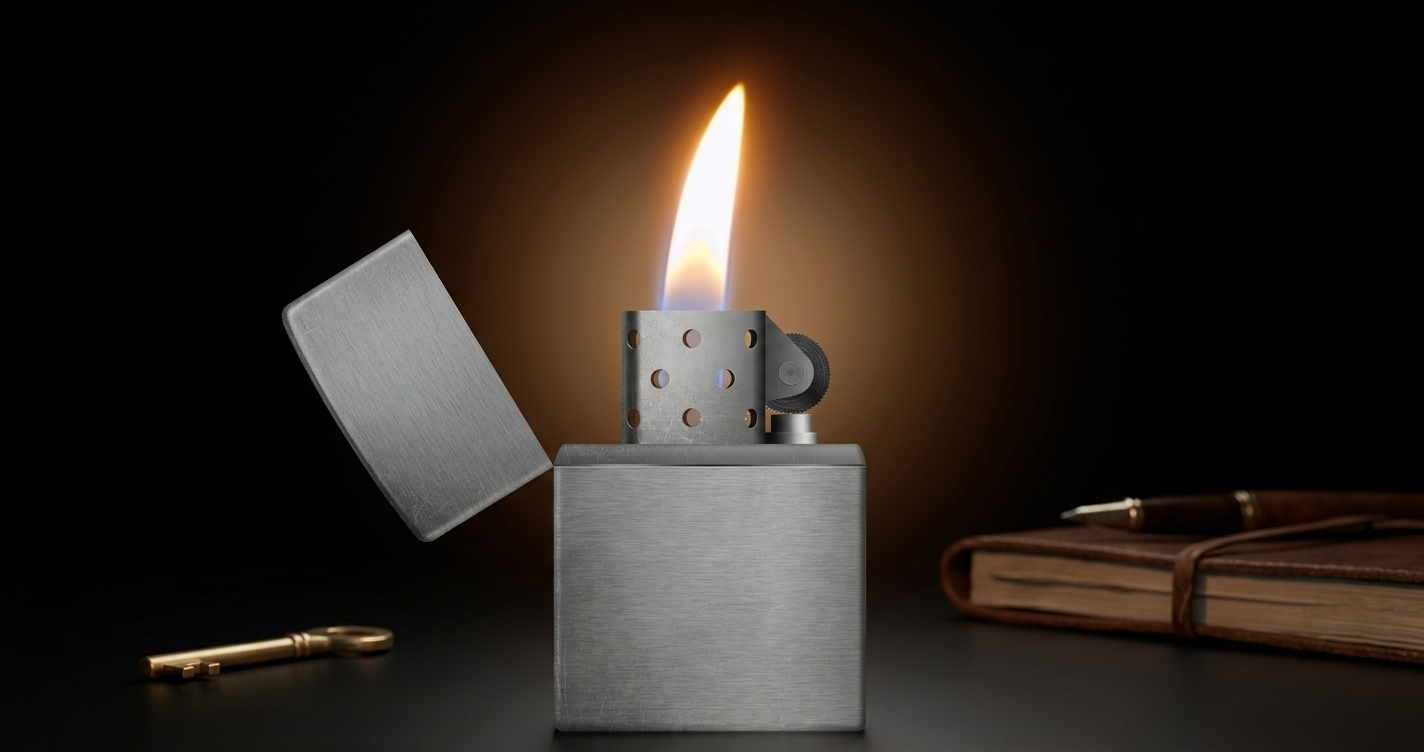
Android offers a wide variety of entertainment apps that go beyond everyday communication. Among them, Lighter Simulator apps have become popular for creating virtual flame effects that look impressive on a smartphone screen. Many of these apps also include a concert mode, allowing users to recreate the classic lighter-waving atmosphere often seen during live music performances.
Whether you’re listening to music, hanging out with friends, or recording creative videos, a lighter simulator can add a fun visual element without using a real lighter.
Also Read: Computer Launcher for Android Gives Your Phone a Desktop-Like Look and Feel
What Is a Lighter Simulator App?
A Lighter Simulator is an Android application that turns your phone into a virtual lighter using animated graphics. Instead of producing an actual flame, the app displays realistic visual effects on the screen that imitate the appearance of a lighter.
Many apps also support motion detection, causing the virtual flame to move naturally when the phone is tilted or gently waved.
Why Concert Mode Is So Popular
Concert Mode is one of the most enjoyable features available in many lighter simulator apps. It recreates the familiar scene where audiences raise illuminated lighters or lights during concerts, music festivals, and performances.
With animated flames and responsive movement, the feature creates a visually appealing experience that can make music sessions or gatherings feel more immersive.
Main Features of Lighter Simulator Apps
Realistic Flame Animation
High-quality graphics help create flame effects that appear smooth and natural on your device’s display.
Motion-Based Effects
Many apps detect phone movement, allowing the virtual flame to sway as you tilt or move your smartphone.
Multiple Lighter Designs
Users can often choose from different lighter styles, flame colors, and visual themes to personalize the experience.
High-Quality Graphics
Modern lighter simulator apps typically include HD-quality animations that look sharp across a variety of Android devices.
Easy Navigation
Most apps are designed with a simple interface, making them easy to use without complicated settings.
Popular Ways to Use a Lighter Simulator
People enjoy these apps in different situations, including:
- Listening to music
- Concert-themed gatherings
- Social media videos
- Creative short-form content
- Casual entertainment with friends
Since everything is virtual, users can enjoy the visual effects directly from their smartphone.
Why Android Users Like These Apps
Lighter simulator apps remain popular because they provide a simple and interactive experience. Their combination of realistic animation and easy controls appeals to users who enjoy fun customization apps.
They are commonly used by:
- Music fans
- Content creators
- Students
- Android customization enthusiasts
- Social media users
Advantages of Lighter Simulator Apps
Some of the benefits include:
- Attractive animated flame effects
- Smooth touch controls
- Motion-responsive visuals
- Multiple customization options
- Beginner-friendly interface
- Compatibility with many Android devices
The available features may vary depending on the app you install.
Things to Check Before Installing
Before downloading any lighter simulator app, consider the following:
- Install only from trusted app stores.
- Read recent user reviews.
- Check the permissions requested by the app.
- Review update history and developer information.
These steps can help you choose a reliable application.
Are Lighter Simulator Apps Safe?
In general, lighter simulator apps from trusted developers are intended for entertainment purposes and simply display animated graphics on your screen. They do not create a real flame.
As with any Android app, reviewing permissions before installation is recommended to ensure you’re comfortable with the requested access.
How to Install a Lighter Simulator App
Getting started is simple:
- Open the Google Play Store.
- Search for a trusted Lighter Simulator app.
- Review its ratings and user feedback.
- Tap Install.
- Launch the app and explore the available flame effects and customization options.
Similar Apps You Can Explore
If you’d like to compare different options, you may also find apps offering features such as:
- Virtual lighter effects
- Concert-style flame animations
- Flashlight and lighter combinations
- Fire-themed visual effects
- Pocket lighter simulations
Each app may offer different themes, controls, and customization features.
Also Read: Gesture Lock Screen Makes Android Phone Security More Personal and Unique
Final Thoughts
A Lighter Simulator app is an entertaining way to add realistic flame animations and concert-inspired effects to your Android device. With customizable themes, motion-responsive visuals, and an easy-to-use interface, these apps can provide a fun experience for music lovers, content creators, and anyone who enjoys experimenting with mobile apps.
If you’re looking for a creative entertainment app with interactive visual effects, a Lighter Simulator is worth exploring.

Ankita Kumar, founder of sabhigyan.com, is passionate about technology, smartphones, apps, and digital tools. With 8+ years of experience in the digital and tech space, he focuses on creating easy-to-understand, practical, and helpful content that makes everyday technology simpler for readers.
Advertisements