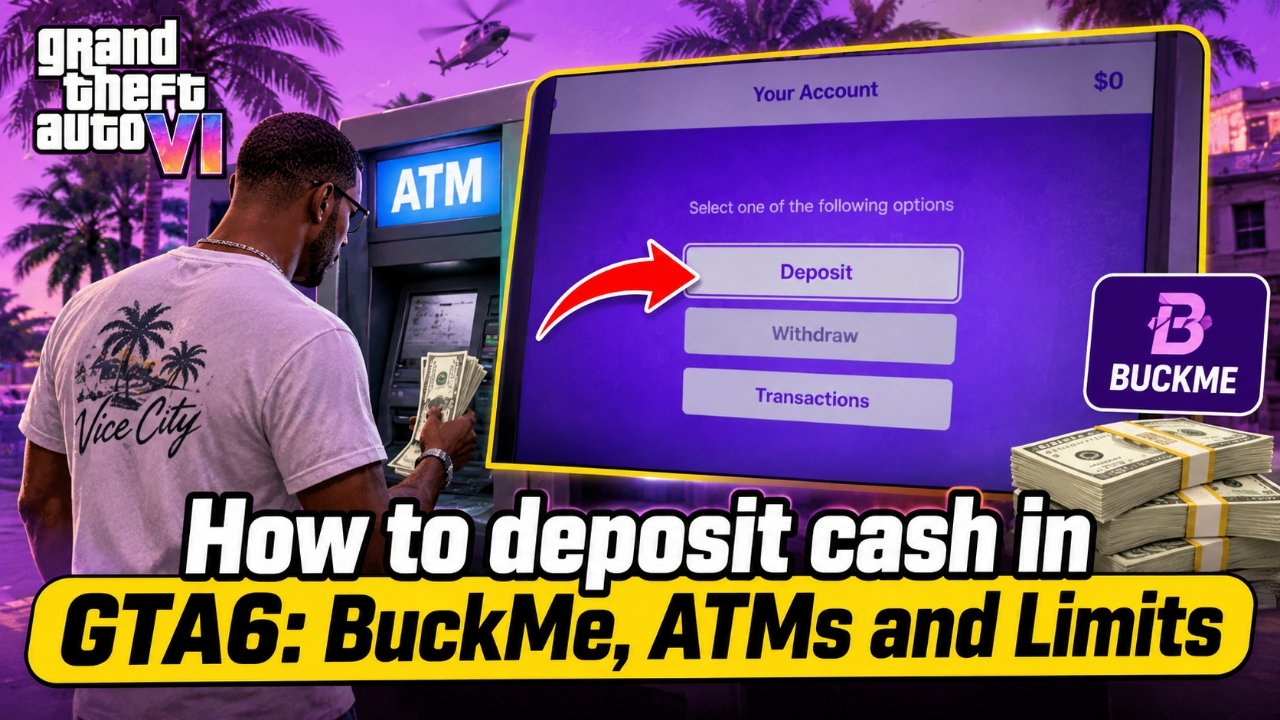
Managing your money in GTA 6 is just as important as earning it. Jason and Lucia can lose the cash they carry if they get Wasted or Busted, making it risky to keep large amounts in their pockets. Fortunately, the game offers a banking system through the BuckMe app, allowing players to store money safely and access it whenever needed.
Once you unlock BuckMe, you can locate ATMs, deposit cash, withdraw funds, and manage your bank balance. Understanding how the system works will help you avoid unnecessary losses and prepare for expensive purchases.
Also Read: How to Steal Cars in GTA 6: Unlocking, Hotwiring, Trackers, and Security Explained
How Banking Works in GTA 6
GTA 6 features three different types of money storage. Each serves a different purpose, so knowing where your money is kept can make a big difference during gameplay.
| Money Type | Description | Safe When Wasted or Busted? |
|---|---|---|
| Pocket Cash | Money carried by Jason or Lucia, up to $20,000 | No, you lose it |
| BuckMe Checking | Individual bank account for each character | Yes, although a small fee may apply |
| Family Savings | Shared account for long-term objectives | Yes, but deposits cannot be withdrawn |
Pocket cash is mainly used for smaller purchases. However, purchases costing $1,000 or more are generally deducted from your BuckMe Checking balance.
This means having cash in your pocket isn’t always enough when you’re planning to purchase expensive items.
How to Unlock BuckMe Banking
The BuckMe banking system becomes available during Chapter 1. You must progress through the story before you can access banking features or use ATMs.
Follow these steps to unlock the app:
- Continue playing Chapter 1 until Lucia returns home to Jason.
- After the following day, Lucia receives a call that leads to the Buck Me mission.
- Visit Fleeca Bank with Lucia and speak to the bank manager.
- Since their credit history doesn’t qualify them for a conventional account, the bank introduces them to BuckMe.
- Complete the mission to set up their accounts and unlock the banking app.
After completing the setup, BuckMe sends a welcome notification and credits your account with $100. The app will then become available on your in-game phone.
Before unlocking BuckMe, Jason can keep his money in a stash beneath the floorboards of his bedroom. This is useful for storing cash at home, but it doesn’t provide the convenience of a bank account or ATM access.
Finding an ATM in GTA 6
ATMs are scattered throughout Leonida, with many located near convenience stores, shops, and other businesses. Some machines are positioned along streets, making them easy to access while exploring.
If you don’t know where the closest ATM is, the BuckMe app can help you find one.
Use the ATM Finder
- Press Up on the D-pad to open your phone.
- Launch the BuckMe banking app.
- Choose the ATM Finder option.
- Select Set Destination.
- Follow the waypoint displayed on your map.
The game will guide you toward the selected ATM, allowing you to deposit or withdraw money without searching the streets manually.
Depositing Cash at an ATM
You cannot transfer pocket cash directly through the BuckMe phone app. Deposits must be completed at an ATM.
Here’s how to transfer your money into your bank account:
- Walk up to an ATM.
- Press Triangle on PS5 or Y on Xbox to interact with it.
- Select Deposit from the menu.
- Use the left and right directions on the D-pad to select your desired amount.
- Press X on PS5 or A on Xbox to confirm.
Once the transaction is complete, your money will be transferred from pocket cash into your BuckMe Checking account.
Depositing money regularly is a good idea, particularly after completing missions or collecting large amounts of cash.
How to Withdraw Money
Withdrawing cash works almost the same way as making a deposit.
Visit any available ATM, interact with it using the appropriate controller button, and select Withdraw. Choose how much money you want to take out and confirm the transaction.
The ATM also includes a Transactions menu, where you can review your recent banking activity.
Remember that you cannot withdraw more money than your account contains, and your pocket cash cannot exceed its maximum carrying limit.
GTA 6 Cash and Banking Limits
The game places restrictions on how much money Jason and Lucia can carry or store in their checking accounts. These limits may increase as you progress through the story.
| Banking Feature | Limit |
|---|---|
| Pocket cash per character | $20,000 |
| Maximum amount per ATM transaction | $20,000 |
| Initial BuckMe Checking limit | $15,000 |
| Checking account capacity | Increases through story progression |
| Purchases charged to Checking | $1,000 or more |
The initial $15,000 checking limit can become a problem if you’re earning money faster than you can spend it. Once your account reaches its maximum capacity, additional deposits may be unavailable, and incoming funds can remain pending until sufficient space becomes available.
Progressing through the story and completing Family Savings objectives can increase your banking capacity.
Jason and Lucia also have separate Checking accounts. Depositing money into Jason’s account won’t automatically add it to Lucia’s balance.
What Is Family Savings?
Alongside individual checking accounts, BuckMe offers a shared Family Savings account for Jason and Lucia.
This account is designed for long-term goals and progression rewards. Money deposited into Family Savings cannot be withdrawn, so it’s important to consider your available funds before transferring anything.
In Chapter 1, the initial savings objective is $5,000. Reaching certain milestones can provide benefits, including improvements to your Checking account limit.
Some players recommend completing this savings target before the Tourist Trap mission, as the mission can result in losing money held in pocket cash and Checking. Funds already stored in Family Savings remain protected.
Why You Should Bank Your Money Regularly
Using ATMs frequently can help you avoid several problems during your adventures in Leonida.
- Avoid losing cash: Getting Wasted or Busted can wipe out your pocket money, while funds stored in your bank account remain protected, aside from applicable fees.
- Stay below the carrying limit: You can only hold $20,000 in pocket cash. Depositing money gives you more room to collect additional funds.
- Prepare for expensive purchases: Items costing $1,000 or more are paid through BuckMe Checking, so maintaining a healthy bank balance is useful.
- Protect mission earnings: Storing your rewards before risky missions can reduce the financial impact of getting caught or defeated.
A practical approach is to visit an ATM after completing a major job, collecting a substantial payout, or whenever your pocket cash gets close to its maximum.
Frequently Asked Questions
1. How do I open a bank account in GTA 6?
Complete the Chapter 1 mission Buck Me. After visiting Fleeca Bank with Lucia, Jason and Lucia are introduced to BuckMe, which becomes their banking service.
2. How can I deposit cash in GTA 6?
Find an ATM using the BuckMe ATM Finder. Interact with the machine, select Deposit, choose your amount, and confirm the transaction.
3. What is the maximum amount of cash I can carry?
Jason and Lucia can each carry up to $20,000 in pocket cash. If they get Wasted or Busted, the money they carry can be lost.
4. Why is my bank account not accepting more deposits?
Your BuckMe Checking account may have reached its current capacity. The starting limit is $15,000, but it can increase as you progress and complete Family Savings milestones.
5. Do Jason and Lucia have a shared bank account?
No. They maintain separate BuckMe Checking accounts. However, both characters can contribute to their shared Family Savings account.
6. Can I deposit money using the BuckMe app?
No. The app helps you locate ATMs, but cash deposits and withdrawals must be completed at an ATM.
Also Read: How to Unlock Privacy Features and App Encryption on Vivo Phones
Final Thoughts
BuckMe is an essential feature for managing money in GTA 6. Unlocking it during Chapter 1 gives Jason and Lucia access to ATMs, secure banking, and a shared savings system that supports their progression.
Make a habit of depositing your cash after important missions, keep track of your Checking account capacity, and use Family Savings for long-term objectives. These simple steps can help you protect your earnings and avoid losing valuable money during unexpected encounters.

Ankita Kumar, founder of sabhigyan.com, is passionate about technology, smartphones, apps, and digital tools. With 8+ years of experience in the digital and tech space, he focuses on creating easy-to-understand, practical, and helpful content that makes everyday technology simpler for readers.
Advertisements