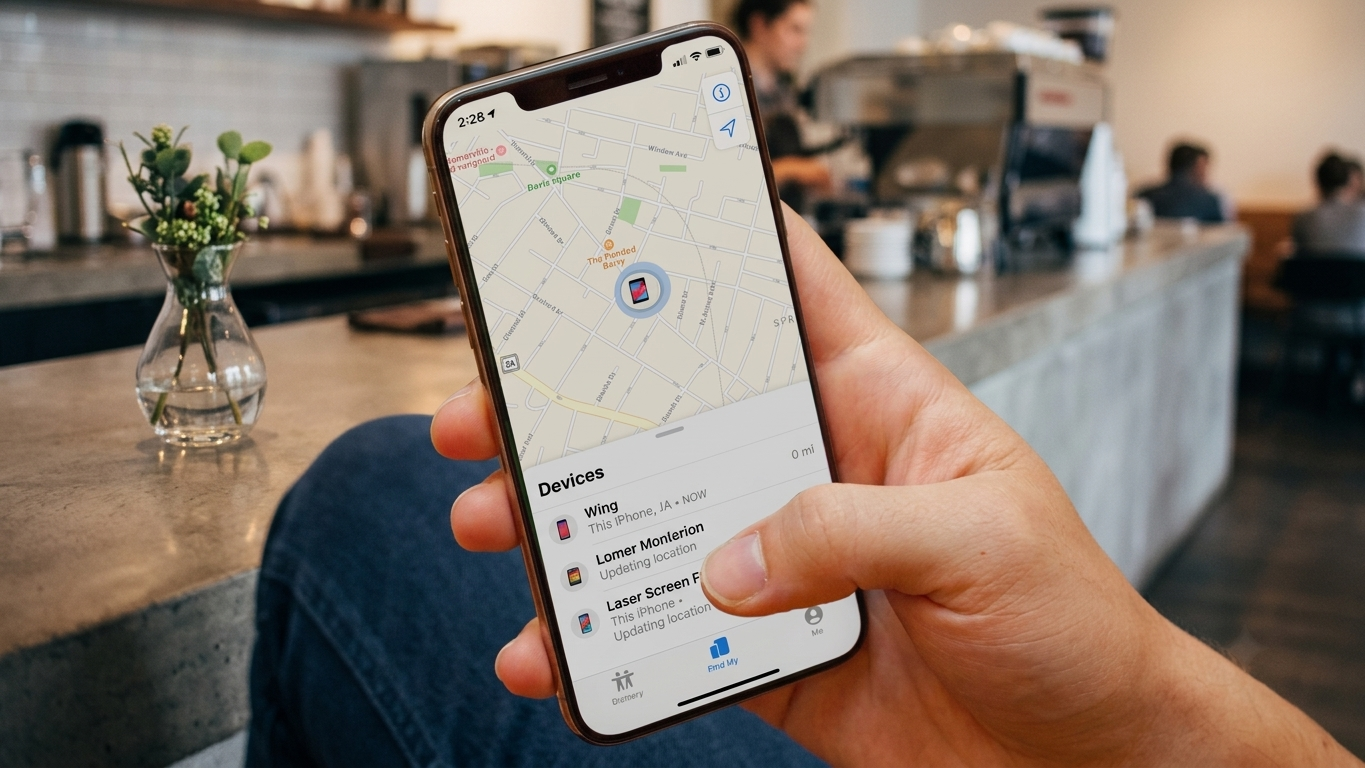
Need to locate a phone but don’t have access to Gmail? The good news is that Gmail is not the only way to find a device or share a location. Depending on the situation, there are several legitimate options available for Android and iPhone users.
Whether you’re trying to locate your own lost phone, keep track of a family member who has agreed to share their location, or use a location-sharing app, this guide explains the safest and most reliable methods.
Also Read: WT Hub – Web Scanner App: Complete Overview, Features, Setup, and Safety Tips
Can You Track a Phone Without Gmail?
Yes, but it depends on the method you choose.
While many Android services rely on a Google account, some location-sharing apps and built-in device features work without requiring a Gmail address. iPhone users can also use Apple’s ecosystem without involving Gmail.
The best option depends on whether you’re locating your own device or tracking a shared location with someone who has given consent.
Best Ways to Find a Phone Without Gmail
1. Use Google’s Find My Device (For Your Android Phone)
If you’ve misplaced your Android phone, Find My Device is one of the easiest recovery tools.
To use it:
- Open the Find My Device website or app.
- Sign in with the Google account connected to the lost phone.
- View the device’s last known location if location services are enabled.
- You can also ring, lock, or erase the device remotely if needed.
Although this service uses a Google account, it does not require you to access Gmail itself.
2. Use Apple’s Find My (For iPhone)
Apple users can locate their devices through the Find My service.
Here’s how:
- Visit iCloud’s Find My service or use the Find My app on another Apple device.
- Sign in using the Apple ID associated with the iPhone.
- Select your device to see its location, if available.
- You can also play a sound, enable Lost Mode, or erase the phone remotely.
This method works entirely through your Apple account and does not require Gmail.
3. Share Location Through Trusted Family Apps
If you regularly need to know where family members are, location-sharing apps provide a convenient and permission-based solution.
Popular options include:
- Life360
- GeoZilla
- Google Maps Location Sharing
- Apple’s Find My (Family Sharing)
These apps allow users to voluntarily share their live location with selected contacts, making them useful for families, travel groups, and emergency situations.
4. Use Built-In Location Sharing Features
Modern smartphones already include location-sharing features.
For example:
- Google Maps allows Android and iPhone users to share their live location for a chosen period.
- Apple Find My lets family members share locations within Apple’s ecosystem.
These options are generally more secure than downloading unknown tracking applications.
Can You Track Someone Using Only Their Phone Number?
Many websites claim they can reveal a person’s live location from just a phone number.
In reality, this is generally not possible for the public without the person’s consent or access to authorized services.
Some caller identification apps can display limited information about unknown numbers, but they do not provide real-time location tracking.
Be cautious of websites that promise instant phone number tracking, as many are unreliable or designed to collect personal information.
Stay Safe While Using Location Services
Whenever you use any location-sharing feature, follow these safety practices:
- Only use trusted and well-known apps.
- Share your location only with people you trust.
- Review app permissions before granting location access.
- Keep your phone’s operating system updated.
- Avoid websites that promise unrealistic tracking capabilities.
Protecting your privacy is just as important as finding a device.
When Should You Use Location Tracking?
Location services can be helpful in situations such as:
- Finding your own lost or stolen phone.
- Staying connected with family members who have agreed to share their location.
- Coordinating during travel.
- Helping someone locate a misplaced device.
Always ensure the tracking is done legally and with appropriate permission.
Also Read: A Practical Guide to Backing Up Phone Data with E2PDF
Final Thoughts
Finding a phone without using Gmail is possible in many situations. Android users can rely on Find My Device, while iPhone users have Apple’s Find My service. Permission-based location-sharing apps are also excellent choices for families and friends who want to stay connected.
The most important thing is to use trusted tools, respect other people’s privacy, and avoid services that make unrealistic promises. Choosing legal and secure methods helps protect both your data and the people involved.
Advertisements