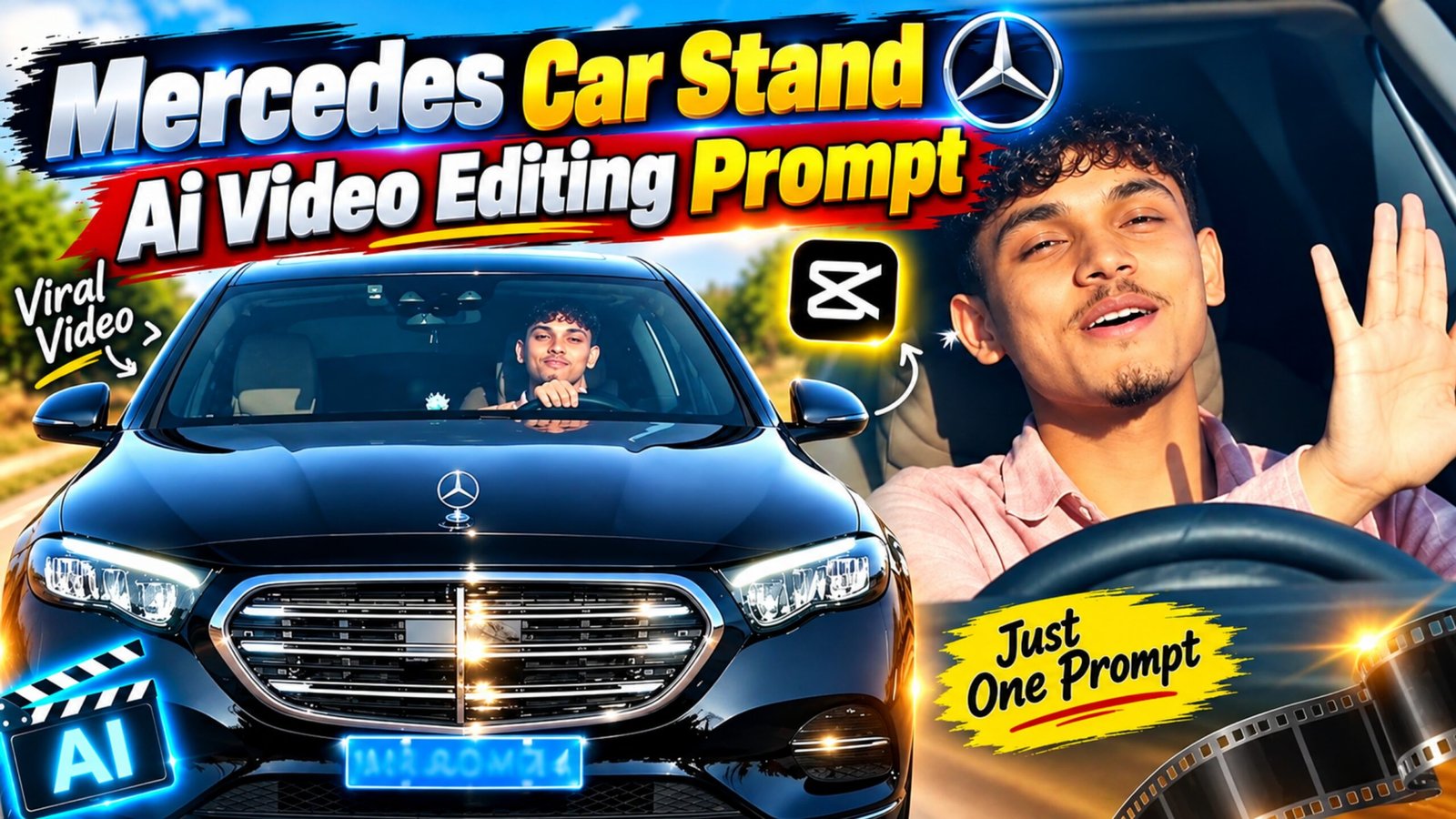
AI video tools have made it much easier to turn a single car photo into an engaging video. With the right reference image and prompt, you can add smooth camera movement, realistic lighting, reflections, and a premium automotive atmosphere without creating the entire animation manually.
If you want to turn a Mercedes car image into a stylish car-stand or showroom-style video, you can use the following Mercedes Car Stand AI Video Editing Prompt with Flow AI. It is designed to keep the vehicle looking close to the original reference while creating a cinematic presentation suitable for social media.
Mercedes Car Stand AI Video Prompt
Before generating the video, upload a clear Mercedes car image to Flow AI and use the prompt below:
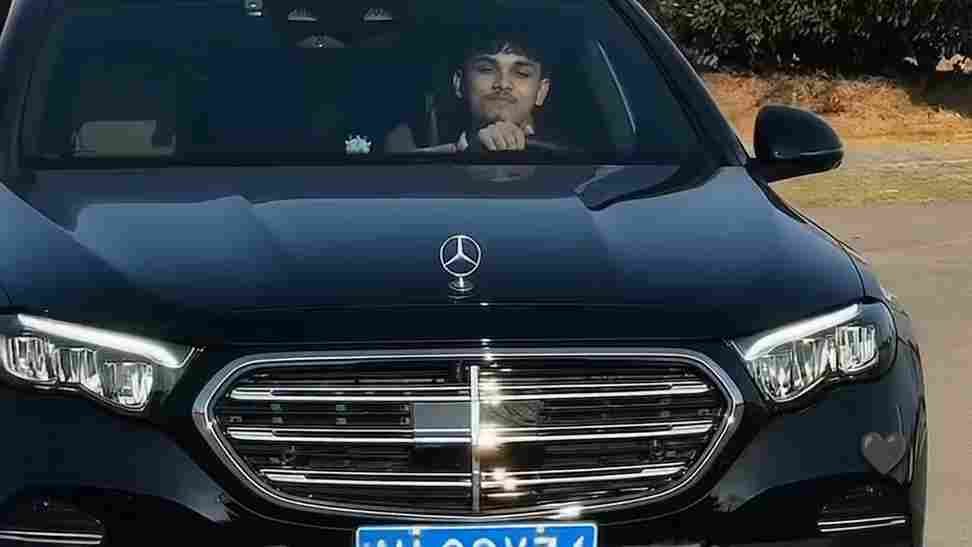
What Is a Mercedes Car Stand AI Video?
A Mercedes Car Stand AI video is a short automotive-style video created from a still car image using an AI video generation tool. Rather than manually animating the vehicle, the AI generates movement based on the uploaded image and the instructions provided in the prompt.
Depending on the generation result, the video can include a slow camera orbit, subtle perspective changes, realistic lighting, reflections, and a premium display setting.
This format can be useful for creators who make automotive content for platforms such as Instagram Reels, YouTube Shorts, Facebook, or other short-form video platforms.
How to Make the Mercedes AI Video in Flow AI
You can create the video by following a simple workflow:
- Open Flow AI and create a new video-generation project.
- Choose the image-to-video or similar image-based generation option available in your interface.
- Upload your Mercedes car photo as the reference image.
- Add the Mercedes Car Stand AI Video Prompt to the prompt field.
- Select the desired video duration and aspect ratio.
- Start the generation process.
- Wait for the AI to process the reference image and create the video.
- Watch the result carefully to check the car’s shape, wheels, lighting, and camera movement.
- If some details look distorted, modify the prompt and generate another version.
The exact options available in Flow may change over time, so the names of individual controls can vary.
Use a High-Quality Mercedes Image
Your reference image plays an important role in the final result. A sharp, well-lit photograph gives the AI more visual information to work with.
For the best chance of getting a consistent result, choose an image where:
- The entire car is clearly visible.
- The vehicle is reasonably well lit.
- The body and wheels are not blocked by other objects.
- The image is not heavily blurred.
- The car’s important design details are easy to see.
- The background is not excessively complicated.
A front three-quarter angle can be particularly useful when you want the generated camera movement to reveal both the front and side of the vehicle.
Give the Video a Luxury Automotive Feel
A premium environment can make a major difference in the overall appearance of the video. Instead of asking for lots of complicated movement, keep the scene relatively clean and let the car remain the main focus.
You can experiment with settings such as a modern showroom, luxury vehicle display area, dark studio, or sophisticated outdoor location.
Soft lighting and controlled reflections can also help create the appearance of a professional automotive commercial. Slow camera movements generally work better for this type of presentation than extremely fast or unpredictable movements.
How to Keep the Car Consistent
One of the common challenges with AI-generated videos is that small details can change during motion. For example, wheels, headlights, body proportions, badges, or other elements may not remain perfectly consistent.
To reduce these problems, clearly tell the AI to preserve the original vehicle design throughout the video. You can specifically mention the car’s:
- Body shape
- Paint color
- Wheels
- Headlights
- Grille
- Windows
- Badges
- Proportions
- Overall design
It is also better to request simple camera movement instead of combining multiple complicated actions in a short clip.
Tips for Better Mercedes AI Video Results
Here are a few things you can try if your first generation does not look right:
Use a cleaner reference photo: A high-resolution image with the complete vehicle visible can provide better visual information.
Keep the prompt focused: Too many instructions can sometimes make the generated scene less consistent.
Use controlled camera movement: Slow tracking, orbiting, or a gentle push-in can suit automotive videos better than rapid movement.
Protect important details: Clearly state which parts of the vehicle should remain unchanged.
Try different versions: AI video generation can produce different results from similar instructions, so generating multiple versions can help you find a more natural-looking clip.
Check the final video carefully: Look at the wheels, lights, body panels, reflections, and background before publishing the video.
Best Aspect Ratio for Reels and Shorts
If your main goal is short-form social media content, a 9:16 vertical format is generally a practical choice because it fills the phone screen.
For other uses, you can choose an aspect ratio based on the platform and the way you want to present the vehicle. If the original car image is horizontal, experimenting with different framing may also help avoid unnecessary cropping.
Final Thoughts
The Mercedes Car Stand AI Video Editing Prompt can turn a simple car photograph into a cinematic automotive presentation with the help of an AI video generator. The key is to start with a good reference image and give the model clear instructions about the vehicle’s appearance and desired camera movement.
If the first result contains distorted details or unnatural motion, don’t worry. Try simplifying the movement, strengthening the instructions about preserving the original car, and generating another version.
With a few experiments, you can create different Mercedes-themed AI videos for Reels, Shorts, and other social media content while giving each video its own visual style.
Advertisements