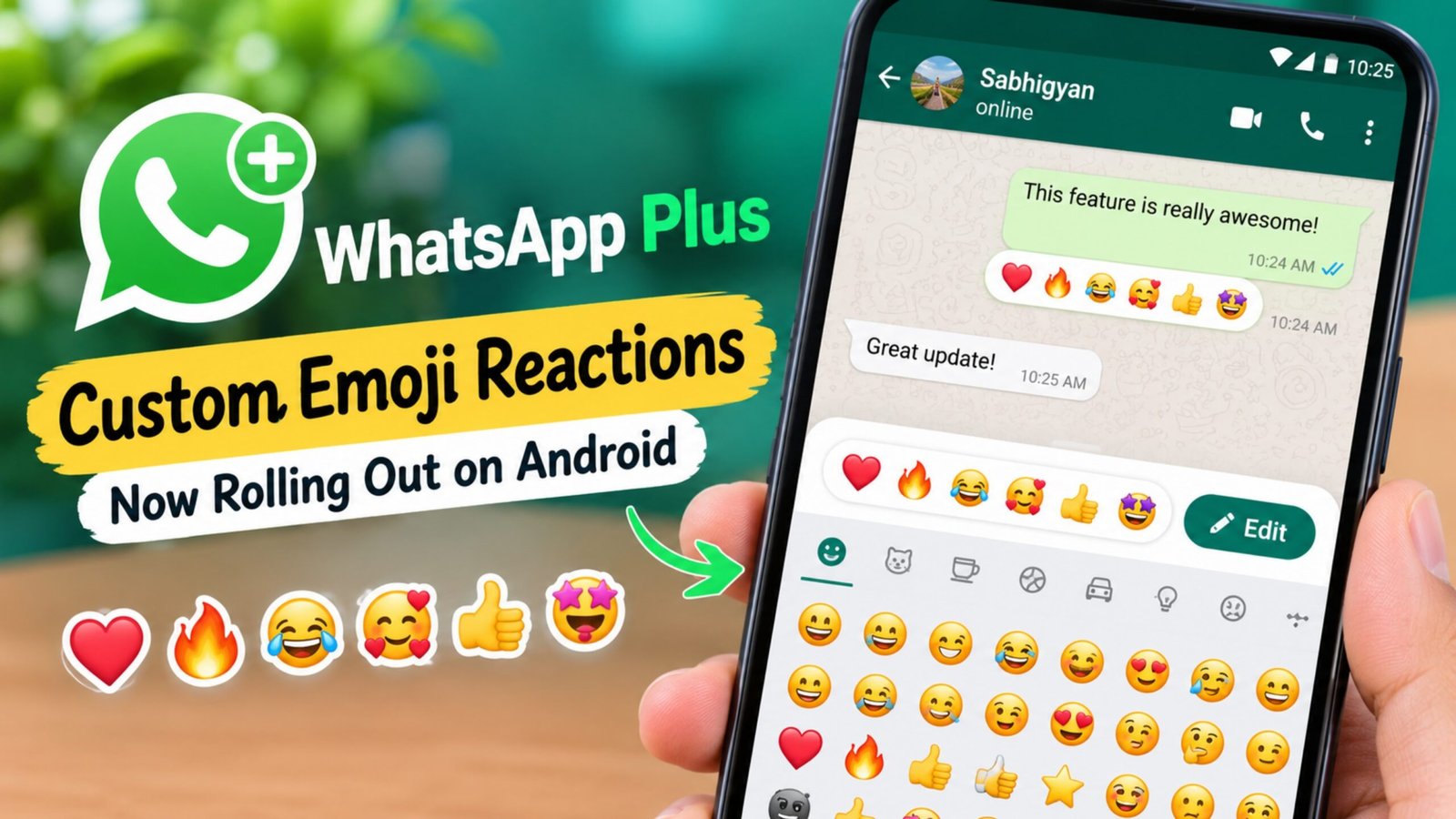
WhatsApp is working on a new customization option that gives users more flexibility when reacting to messages. The new custom emoji reactions feature is being rolled out for Android users with a WhatsApp Plus subscription.
With this option, users can change the emojis that normally appear in the quick reaction tray. Instead of using only the default six emojis, they can select other emojis that they prefer and keep them available for faster reactions.
Also Read: WhatsApp Tests AI Content Labels for Channel Posts on iPhone
Advertisements
WhatsApp Plus Gets More Control Over Message Reactions
When users normally long-press a WhatsApp message, the app shows a small selection of emojis for quick reactions. These default options are useful, but they may not always include the emojis someone uses most frequently.
The new feature addresses this by allowing eligible WhatsApp Plus users to personalize those reaction shortcuts.
The feature has been spotted in WhatsApp for Android beta version 2.26.38.4, where it appears as one of the benefits available to Plus subscribers.
Users without the Plus subscription may be able to see customized reactions from others, but the option to modify the reaction tray is intended for eligible subscribers.
How to Change the Default Reaction Emojis
WhatsApp Plus users can customize their reaction emojis from the app settings. The process is fairly straightforward.
Follow these steps:
- Open WhatsApp on your Android phone.
- Go to Settings.
- Tap on Chats.
- Find the Default reactions option.
- You will see the current reaction emojis.
- Select the emoji you want to change.
- Choose your preferred emoji from the emoji keyboard.
- Repeat the same process for other reaction slots if you want.
- Save your selections.
After saving the changes, the selected emojis should appear in the quick reaction tray when you react to messages.
Edit Reaction Emojis Directly From the Keyboard
There is another way to manage the customized reactions without navigating through the WhatsApp settings.
When replying to a message with an emoji reaction, users can open the emoji keyboard. An Edit option can appear near the default reaction section.
Tapping this option allows eligible users to modify their reaction shortcuts directly from the current conversation. This means users don’t have to leave the chat and open Settings every time they want to change their preferred reaction emojis.
WhatsApp Plus Users Can Personalize Six Reaction Slots
The customization option allows users to replace the existing reaction choices with emojis from the full emoji selection.
For example, someone who frequently uses a particular emoji can add it to the quick reaction tray instead of one of the standard options. The same can be done with the other available reaction slots.
This makes the reaction menu more personal and can make frequently used emojis easier to access.
When Will the Feature Be Available?
The custom emoji reactions option has been spotted in an Android beta release, so availability may still depend on the WhatsApp version, account and rollout stage.
Users may not see the feature immediately even if they are using a compatible version. WhatsApp can gradually enable new features for selected users before making them more widely available.
It is therefore recommended to keep the app updated through an official source and check the feature again when a newer version becomes available.
Also Read: WhatsApp Adds New Security Features to Strengthen Account Protection
Final Thoughts
The new custom emoji reactions feature gives WhatsApp Plus users another way to personalize their messaging experience. Being able to replace the standard reaction shortcuts with preferred emojis can make message reactions quicker and more convenient.
The additional Edit option from the emoji keyboard is also useful because users can manage their reaction preferences without leaving the conversation.
Advertisements