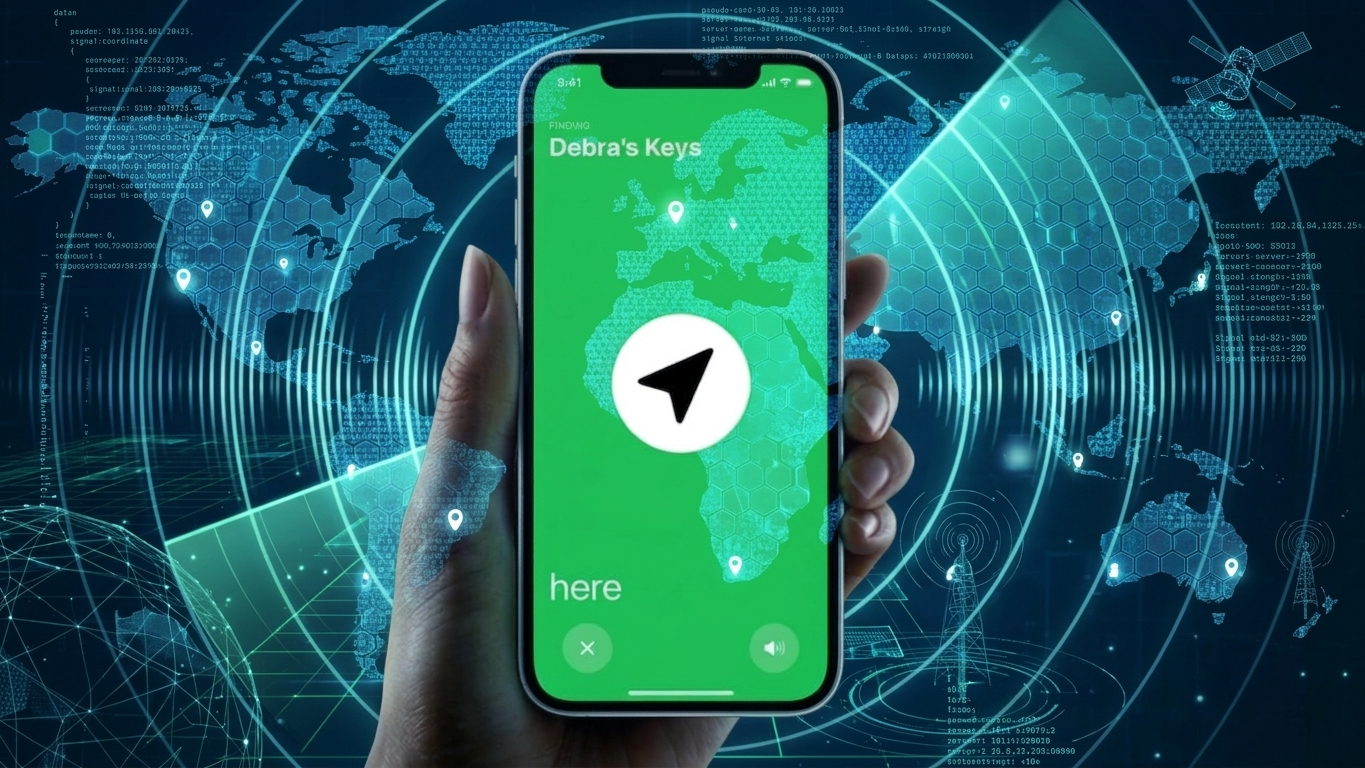
Losing a mobile phone can feel overwhelming—especially when it’s powered off and unreachable. While you can’t track a phone in real time once it’s switched off, there are still effective ways to identify its last known location. With the right features enabled beforehand, you can recover valuable clues about where your device was before it went offline.
Also Read: How to Delete Your Threads Account Without Removing Instagram (Complete Guide)
How Built-In Phone Tracking Features Can Help
Modern smartphones include built-in tracking systems designed to assist users in locating lost devices. Although these tools rely on the phone being previously connected to the internet, they can still display its last recorded position.
How to Use Android’s Built-In Tracking
Android devices come with a free tracking feature linked to your Google account. To use it:
- Open a web browser and visit the official device tracking page
- Sign in using the same Google account connected to your phone
- Choose your device from the available list
- View its last known location displayed on a map
Key requirements:
- The tracking feature must have been enabled earlier
- Location services should be active
- The device must have had internet access before turning off
You may also find options to secure your phone remotely by locking it or deleting sensitive data.
How to Locate a Samsung Device
Samsung phones offer an additional tracking system with extended capabilities. To check your phone’s location:
- Visit Samsung’s tracking website
- Log in with your Samsung account
- Select your registered device
- Check the last available location data
Some Samsung models support offline tracking, allowing limited location updates even without an active internet connection—if this feature was enabled in advance.
Also Read: Instagram AI Voice Effects: A Fresh Way to Make Your Messages Stand Out
How to Track an iPhone
Apple devices include a built-in tracking system accessible through other Apple devices or a web browser.
Using another Apple device:
- Open the tracking app
- Select your missing iPhone
- View its last recorded location
Using a browser:
- Sign in to your Apple account on the official tracking page
- Choose your device from the list
- Check its last known position
Newer iPhone models can sometimes share their location briefly even after being powered off, provided certain settings were turned on. Enabling the “Send Last Location” feature is especially useful, as it automatically updates the device’s location when the battery is about to die.
How Google Maps Timeline Can Provide Backup Location Data
If tracking services were not activated, your location history in Google Maps may still offer helpful insights.
Steps to check:
- Open Google Maps Timeline in a browser
- Log in with your Google account
- Select the relevant date
- Review recent movements and the last recorded location
This method works on both Android and iPhone devices, as long as location history was enabled and permissions were granted.
How Third-Party Apps Can Support Phone Tracking
There are several apps designed to monitor device locations, often used for family safety or device management. These tools can provide features such as:
- Live location tracking
- Alerts when battery levels are low
- Remote access or control options
However, these apps must be installed and configured before the phone goes missing. It’s also important to:
- Download apps only from trusted platforms
- Read user reviews carefully
- Grant only necessary permissions
- Test the app after setup to ensure it works correctly
Also Read: How to Search Messages on WhatsApp Easily (Android & iPhone)
Install
Final Advice on Preparing for Phone Loss
Even when a phone is switched off, it’s still possible to gather useful information about its last location. Built-in tools are generally the most dependable, while alternatives like location history can act as a backup.
The most important step is preparation. Activating tracking features in advance ensures that you can respond quickly and improve your chances of recovering your device.

Sourav Gorai, founder of sabhigyan.com, is passionate about technology, smartphones, apps, and digital tools. With 8+ years of experience in the digital and tech space, he focuses on creating easy-to-understand, practical, and helpful content that makes everyday technology simpler for readers.
Advertisements