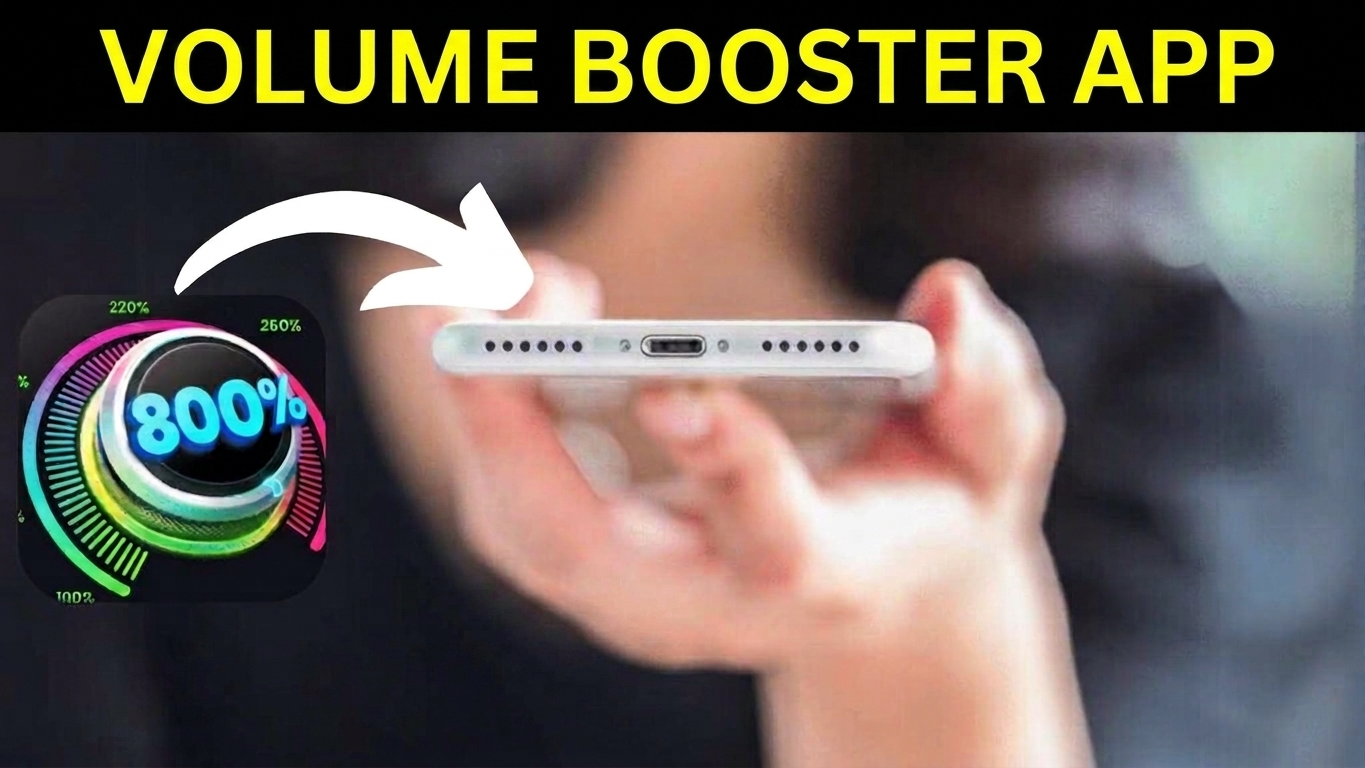
Smartphone speakers have improved over the years, but many affordable Android phones still struggle to produce enough volume in certain situations. Watching videos outdoors, listening to music while doing household work, or playing games in a noisy environment can make the built-in speaker feel too quiet.
That is where volume booster apps come in. One popular option is Volume Booster Sound Booster by 360 Tool, an Android app designed to increase the loudness of your phone beyond its normal system settings.
But louder does not always mean better. Before installing an app like this, it is worth considering its sound quality, advertisements, battery usage, and the possible effect of prolonged high-volume listening.
Here is a closer look at what the app offers and whether it makes sense to use it in 2026.
Also Read: Voice Screen Lock – Voice Lock App: Unlock Your Android Phone with Your Voice
What Is Volume Booster Sound Booster?
Volume Booster Sound Booster is an Android utility that provides additional controls for increasing audio output. It is aimed at users who feel that their phone’s built-in speaker is not loud enough.
The app works without requiring root access, which makes it relatively simple for ordinary Android users to try. It can be used with common activities such as watching videos, listening to music, and playing games.
The actual level of improvement can vary considerably depending on the phone, speaker hardware, Android version, and the type of audio being played.
Main Features at a Glance
Some of the features offered by the app include:
- Extra volume control beyond the standard level
- Multiple sound effects and audio modes
- Bass-oriented settings
- Loud-speaker mode
- A music spectrum visualizer
- Controls that can be accessed while using other apps
- Background audio support
- No root access required
- A relatively small app size
One important point is that a software booster cannot physically upgrade your phone’s speaker. It changes how the audio signal is processed or amplified, so the results depend on the hardware and software combination.
Does the Volume Booster Actually Work?
The answer is yes, but the results are not identical on every device.
When the boost is enabled, audio can sound noticeably louder than it does at the phone’s normal maximum setting. This can be useful when watching YouTube videos or listening to audio in environments where the phone’s speaker is difficult to hear.
However, increasing the volume also has a downside. At higher boost levels, some phones may produce distortion, particularly with music containing heavy bass or already-loud recordings.
Therefore, the highest available setting is not necessarily the best setting. A moderate boost can often provide a better balance between loudness and sound quality.
How It Feels for Music, Videos and Games
Music
For music, the additional boost can make quieter phone speakers more usable. The bass-focused options may also make certain tracks sound fuller.
That said, aggressive boosting can make bass-heavy songs sound muddy or distorted. If sound quality is more important to you than maximum loudness, keeping the boost at a moderate level is usually preferable.
YouTube and Video
The app can be useful when dialogue or other audio in a video is difficult to hear. This is particularly noticeable when using a phone in a moderately noisy environment.
Still, the original video’s audio level matters. A booster cannot completely fix an extremely quiet recording.
Mobile Gaming
Extra volume may make game sounds easier to hear, including effects and other audio cues. But it should not be treated as a guaranteed gaming advantage. Your experience will depend on the game’s audio mix, your phone’s speaker and your surroundings.
The Biggest Problem: Advertisements
The free version is where the app becomes less appealing.
Users who want a completely uninterrupted experience may find the advertising distracting. Frequent advertisements can make a simple utility feel less convenient, especially when you only want to change the volume quickly.
An ad-free paid option may be available depending on the app’s current version and region, but whether it is worth paying for depends largely on how frequently you use the application.
For occasional volume adjustments, some users may prefer using their phone’s built-in audio settings instead.
Does It Affect Battery Life?
A volume booster is unlikely to transform your phone’s battery consumption by itself, but using higher speaker output can require additional power.
The difference may not be significant during short sessions. However, continuously playing loud audio for long periods can consume more battery than normal playback.
The bigger consideration is hearing safety, not just battery life.
Is Using a Volume Booster Safe?
There is an important distinction between making audio louder and making it safer to hear.
Listening to loud sounds for extended periods can contribute to hearing damage. This is true regardless of whether the increased volume comes from the phone’s normal controls or a third-party booster.
For that reason, avoid keeping the boost at its maximum level for long periods. If audio sounds distorted, uncomfortable, or excessively loud, reduce the volume immediately.
Safety note: This article is for general information. A volume booster cannot make excessive listening levels safe, and users should follow responsible listening habits.
Advantages and Disadvantages
Pros
- Can make quiet phone speakers noticeably louder
- Simple controls
- Several audio modes and effects
- Doesn’t normally require root access
- Useful for videos, music and games
- Can be helpful on phones with relatively weak speakers
Cons
- Free version may contain intrusive advertising
- Excessive boosting can introduce audio distortion
- Maximum volume is not suitable for prolonged listening
- Results vary between smartphones
- A software booster cannot overcome the physical limitations of a phone’s speaker
Who Might Find It Useful?
This type of app makes the most sense if your smartphone’s built-in speaker feels slightly too quiet and you occasionally need additional volume.
It can be particularly convenient for people who regularly watch videos or listen to music directly through their phone’s speaker rather than headphones or an external speaker.
However, if your phone already produces sufficient volume, installing a booster may not provide much practical benefit.
Who Should Consider Other Options?
You may want to skip a volume booster if you:
- Prefer completely ad-free apps
- Care more about audio quality than maximum loudness
- Already have powerful phone speakers
- Usually use headphones or Bluetooth speakers
- Don’t want another utility running alongside your normal apps
In many cases, a good pair of headphones or a quality Bluetooth speaker can provide a better listening experience than pushing a small smartphone speaker beyond its normal limits.
Also Read: Recover Deleted Photos and Videos Easily with a Photo Recovery App

Final Thoughts
Volume Booster Sound Booster can be useful, but it is not a magic solution for weak smartphone speakers.
It can provide a noticeable increase in loudness on some Android devices and offers convenient controls for music, videos and games. However, the improvement depends heavily on the individual phone, while excessive boosting can reduce sound quality and should not be used continuously at very high levels.
The advertising in the free version is another factor to consider. If you only need a small volume increase occasionally, the app may be worth trying. If you use it every day, you should decide whether the additional features justify dealing with advertisements or paying for an ad-free experience.

Sourav Gorai, founder of sabhigyan.com, is passionate about technology, smartphones, apps, and digital tools. With 8+ years of experience in the digital and tech space, he focuses on creating easy-to-understand, practical, and helpful content that makes everyday technology simpler for readers.