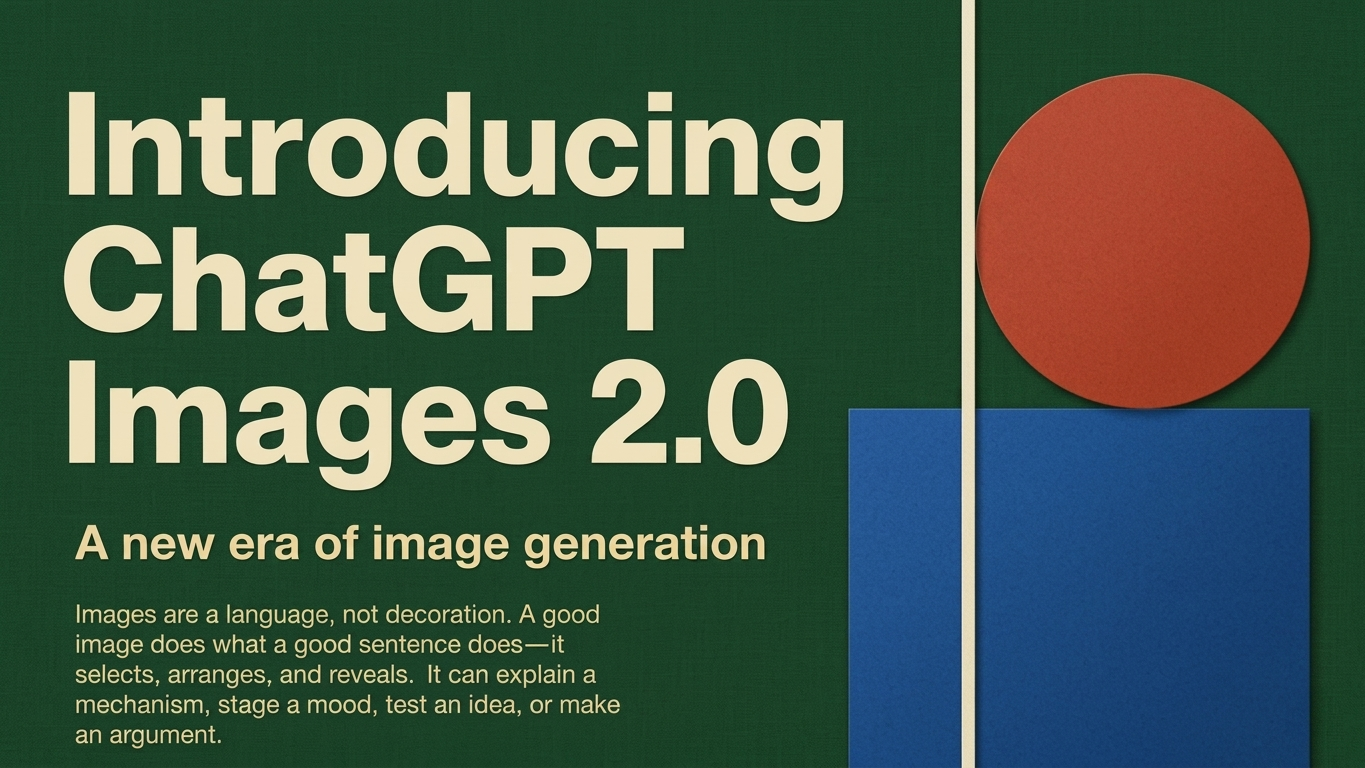
ChatGPT Images 2.0 is the latest upgrade in AI-powered image generation, offering users a faster and more advanced way to create stunning visuals from simple text prompts. The new model focuses on higher quality results, sharper details, and better text accuracy inside images.
With this update, users can easily generate creative graphics for personal, business, and professional use. From posters to social media designs, the tool makes image creation simpler than ever.
Also Read: How to Disable Copilot AI in Microsoft Edge and Reduce Its Presence on Your Device
Main Highlights
- Generate multiple images from one prompt
- Improved text clarity inside visuals
- Supports square, wide, and vertical formats
- Better quality layouts and cleaner details
- Useful for posters, ads, comics, and graphics
- Faster and smoother performance
Powerful Design Features
ChatGPT Images 2.0 allows users to create several visuals in a single request. This can save time when working on campaigns, design collections, or creative projects.
Users can create content such as:
- Posters
- Social media posts
- Comic panels
- Promotional banners
- Product graphics
- Presentation visuals
The model also supports multiple aspect ratios, helping users choose the best size for each platform or project.
Better Quality and Smarter Results
One of the biggest improvements in ChatGPT Images 2.0 is overall image quality. Generated visuals now appear more polished, balanced, and detailed.
Small elements such as icons, labels, and layout spacing are handled more accurately. This makes the tool more useful for businesses, marketers, designers, and content creators.
It can also create infographic-style visuals and polished promotional content in less time.
Also Read: How to Manage, Delete, and Hide Conversations in ChatGPT (Complete Guide)
Improved Text Inside Images
Older AI image tools often struggled with spelling mistakes or messy text placement. ChatGPT Images 2.0 improves this area significantly.
Text inside images now looks clearer and more readable, especially in English. This is helpful for creating:
- Menus
- Posters
- Advertisements
- Flyers
- Product labels
The placement of text is also more organized and professional-looking.
Support for Multiple Languages
The new model supports several global languages and writing systems, including:
- Hindi
- Chinese
- Japanese
- Korean
- Bengali
- Other international languages
While support has improved, users should still review non-English text for full accuracy.
Performance and Speed
ChatGPT Images 2.0 is designed to generate high-resolution visuals with smoother performance. It can handle complex prompts and layouts better than earlier versions.
Some highly detailed requests may take a little longer, but overall speed and consistency have improved.
Access for Users and Developers
Both free and paid users may be able to access image generation features depending on platform availability. Premium plans may offer higher usage limits or extra tools.
Developers may also get access through API services based on supported plans and pricing.
Also Read: ChatGPT Launches New $100/Month Plan to Bridge Gap for Power Users
Final Thoughts
ChatGPT Images 2.0 is a major step forward in AI image creation. It delivers clearer text, better layouts, stronger image quality, and more creative flexibility.
Whether you need posters, ads, comics, or professional graphics, this new upgrade makes the process easier and more efficient.
Advertisements