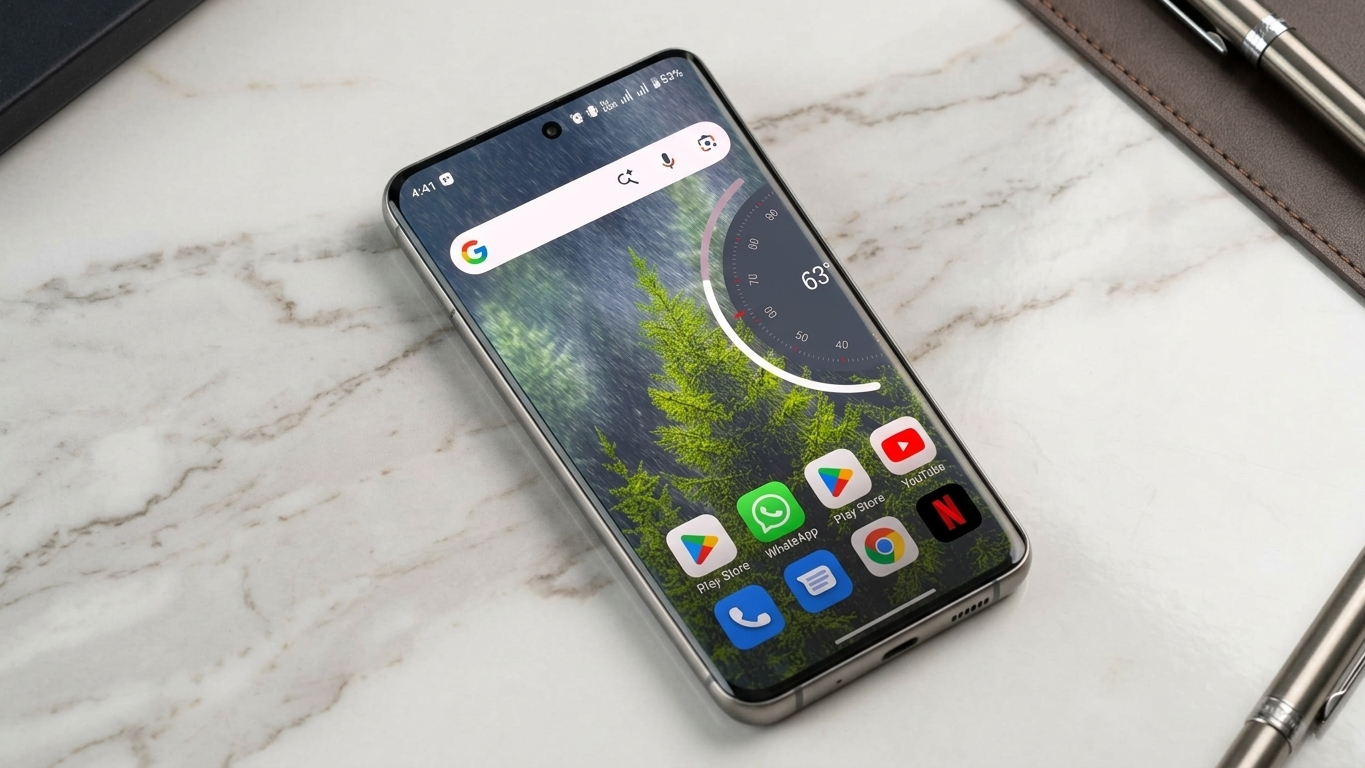
Many people personalize their smartphones by changing wallpapers, icon packs, widgets, or themes. Yet one interface element often stays untouched—the volume panel. Since it’s something you interact with regularly, giving it a fresh look can make your phone feel more modern without changing the entire system.
NoVolume is a customization app designed for Android users who want to replace the default volume panel with a cleaner and more customizable interface. Its minimalist design is inspired by the visual style seen in Nothing OS while still keeping everyday volume controls simple and easy to use.
Also Read: How to Schedule WhatsApp Messages in the Future: A Feature That May Soon Arrive
What Is NoVolume?
NoVolume is an Android customization application that changes how your device’s volume controls appear on the screen. Instead of the standard volume slider that comes with your phone, the app introduces a redesigned interface with a more modern appearance and additional customization options.
The app focuses on visual improvements while ensuring that adjusting media, ringtone, notification, and alarm volumes remains quick and convenient.
Why Users Choose NoVolume
A good smartphone experience isn’t just about performance—it’s also about how the interface feels during daily use. NoVolume appeals to users who enjoy refining small details that make their devices look more polished.
Some of the reasons people install NoVolume include:
- Modern and uncluttered interface
- Minimalist design inspired by Nothing OS
- Smooth transition animations
- Flexible customization settings
- Lightweight operation with minimal resource usage
Features That Make NoVolume Stand Out
Clean and Modern Design
One of the biggest attractions of NoVolume is its simple interface. The redesigned volume panel replaces the traditional layout with a cleaner look that blends well with modern Android home screen setups.
Smooth Visual Effects
Changing the volume feels more refined thanks to fluid animations. These subtle visual enhancements create a smoother interaction without affecting usability.
Haptic Feedback Support
On compatible devices, the app can provide gentle vibration feedback while adjusting the volume. This adds a more responsive feel during everyday use.
Personalization Options
Users can modify several elements of the volume panel, including:
- Position on the screen
- Panel size
- Overall appearance
- Visual styling
These settings make it easier to match the volume interface with the rest of your phone’s design.
Lightweight Performance
NoVolume is designed to run efficiently in the background. Its focus on lightweight performance helps reduce the impact on system resources during normal use.
How to Install and Set Up NoVolume
Getting started only takes a few minutes.
1. Download the App
Install NoVolume from a trusted app marketplace if it is available for your device. Using official or reputable sources helps improve security.
2. Allow Required Permissions
To replace the default volume interface, the app may request permissions such as Accessibility access. Read each permission request carefully before approving it.
3. Activate the Custom Volume Panel
Complete the setup process by following the instructions inside the application. Once enabled, the new volume interface will replace the default panel.
4. Customize the Appearance
Open the app’s settings to adjust the design according to your preferences. You can experiment with different layouts until you find the look that suits your device.
Daily Experience
After setup, using your phone’s volume controls feels visually refreshed while remaining familiar. The redesigned panel focuses on simplicity, making everyday interactions more pleasant.
Users often appreciate features such as:
- A neat and organized layout
- Fast response while adjusting volume
- Smooth animations
- A contemporary design that complements modern Android themes
Although the changes are primarily visual, they can make routine interactions feel more enjoyable.
Performance and Battery Usage
Many users worry that customization apps will slow down their phones or consume excessive battery power. NoVolume is designed to operate efficiently with low system overhead.
Depending on your device model and Android version, you may notice:
- Low memory usage
- Limited background activity
- Consistent day-to-day performance
Keep in mind that actual performance can differ based on your phone’s hardware, software version, and other installed applications.
Privacy and Permissions
Before installing any customization app, it’s a good idea to understand the permissions it requests.
NoVolume may require certain permissions to display its custom volume controls properly. Always review the permission details and read the app’s privacy policy before enabling access so you know how your information is managed.
Who Is NoVolume Best For?
This app may be a suitable option if you:
- Like customizing your Android device
- Prefer clean and minimal user interfaces
- Enjoy the design language of Nothing OS
- Want to refresh your phone’s appearance without installing a complete theme
If you’re satisfied with your device’s built-in volume controls, you may not need additional customization. However, users who enjoy personalizing every part of their smartphone may appreciate what NoVolume offers.
Pros
- Clean and modern interface
- Simple to install and use
- Multiple customization options
- Lightweight performance
- Smooth animations on supported devices
Things to Consider
- Compatibility may differ between Android devices.
- Available features can vary depending on the app version.
- Some phones may require additional setup steps for full functionality.
Also Read: How to Transfer Text Messages (SMS) from Android to Android
Final Thoughts
NoVolume provides an easy way to update one of the most frequently used parts of your Android experience. Instead of changing your entire interface, it focuses on improving the appearance of the volume panel while keeping everyday controls familiar and accessible.
If you enjoy smartphone customization and appreciate minimalist design, NoVolume may be worth trying. For the best experience, install apps only from trusted sources, review requested permissions carefully, and ensure the app is compatible with your device.

Sourav Gorai, founder of sabhigyan.com, is passionate about technology, smartphones, apps, and digital tools. With 8+ years of experience in the digital and tech space, he focuses on creating easy-to-understand, practical, and helpful content that makes everyday technology simpler for readers.