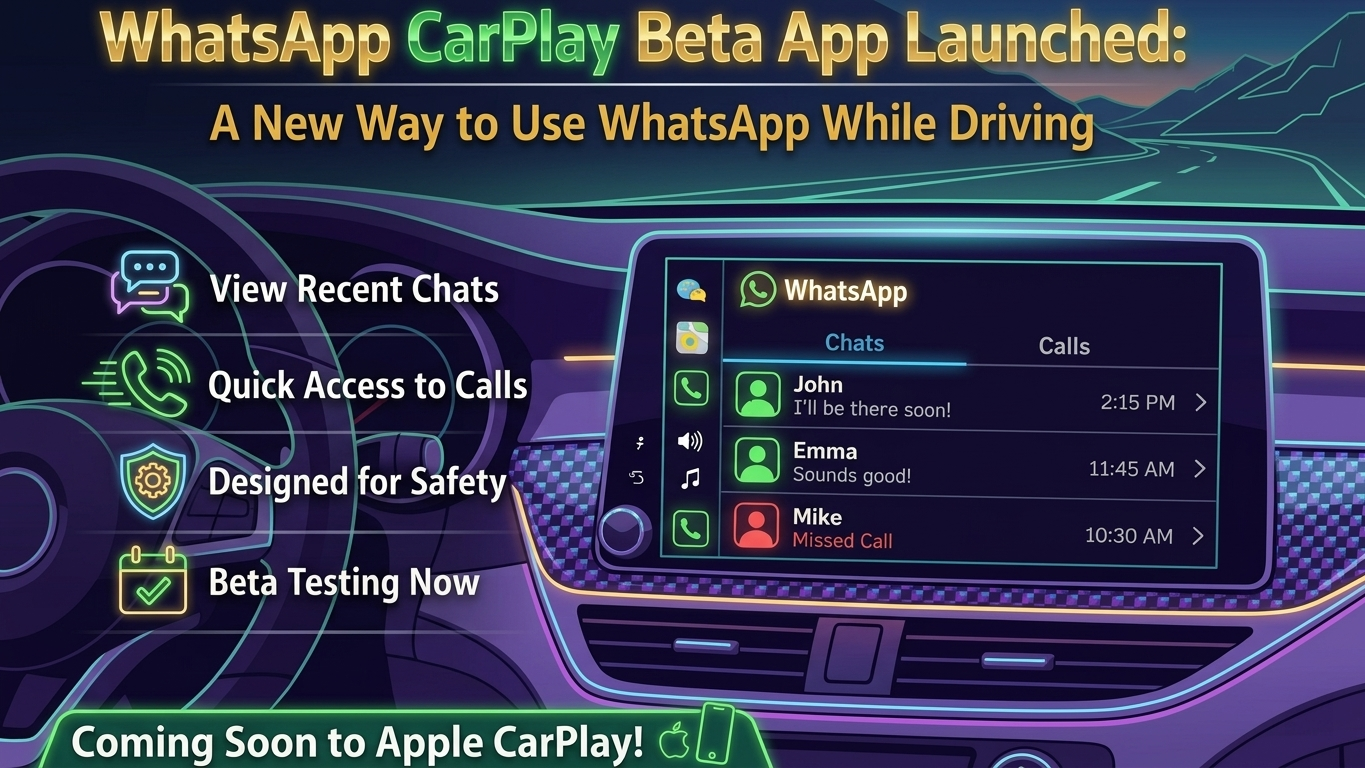
Using messaging apps while driving has always been a challenge, especially when safety is involved. Now, WhatsApp is stepping up with a new CarPlay beta experience that makes communication easier and more driver-friendly. This update introduces a proper interface inside Apple CarPlay, reducing the need to depend entirely on voice assistants.
Let’s explore what this new feature offers and how it changes the way drivers stay connected.
Also Read: Truecaller Crosses 500 Million Monthly Users, Strengthens Position in Digital Safety
How to Access WhatsApp on CarPlay
The new CarPlay integration allows users to interact with WhatsApp directly through their car’s infotainment screen. Earlier, most users depended on Siri to send messages or make calls. Now, a dedicated interface is being tested, offering a smoother and more visual experience.
At the moment, this feature is only available to selected testers through Apple’s beta testing platform, TestFlight. A wider release is expected once testing is complete and feedback is gathered.
Key Interface Improvements You’ll Notice
One of the biggest upgrades is the simplified and clean layout. The app is designed to be easy to use while driving, with minimal distractions.
When you open WhatsApp on CarPlay, you’ll see a list of your recent chats. This includes:
- Conversations from the past few weeks
- Indicators for unread messages
- Pinned chats for quick access
- Basic timestamps
However, full message reading is intentionally limited. This restriction helps drivers stay focused on the road instead of scrolling through long conversations.
Calling and Contact Features Made Easier
Beyond messaging, WhatsApp’s CarPlay version also improves calling functionality. You get a dedicated section where you can view:
- Incoming calls
- Outgoing calls
- Missed calls
There’s also a “Favorites” option, allowing you to quickly reach the people you contact most often. Basic contact details are visible, making it easier to decide whether to call or message without picking up your phone.
Also Read: How to Search Messages on WhatsApp Easily (Android & iPhone)
Safety Comes First
Safety is the core idea behind this update. The interface is intentionally minimal, ensuring drivers aren’t overwhelmed with information.
Key safety-focused design choices include:
- No full message previews to avoid distraction
- Simple navigation with large, easy-to-read elements
- Support for both light and dark modes based on system settings
- Encouragement of voice-based interaction instead of typing
By limiting certain features, WhatsApp aims to balance convenience with responsible driving.
Availability and What’s Next
Currently, this feature is still in its testing phase and available to a limited group of iOS beta users. Since it’s under development, some features may change or improve over time.
If you’re not part of the beta program, you won’t have to wait too long. A public release is expected soon through the App Store, making it accessible to a wider audience.
Why This Update Matters
For people who spend a lot of time on the road, this update could make communication much more practical. Instead of juggling your phone, you can manage essential interactions directly from your car’s screen.
It also reflects a bigger shift—messaging apps like WhatsApp are gradually expanding beyond smartphones into connected ecosystems like cars.
Also Read: How to Recover Deleted Call History on iPhone (Complete Guide)

Sourav Gorai, founder of sabhigyan.com, is passionate about technology, smartphones, apps, and digital tools. With 8+ years of experience in the digital and tech space, he focuses on creating easy-to-understand, practical, and helpful content that makes everyday technology simpler for readers.
Advertisements