Finding a quiet moment during a busy day is not always easy. Between work, studies, notifications, and constant phone use, sometimes all you want is something simple that helps you slow down for a few minutes.
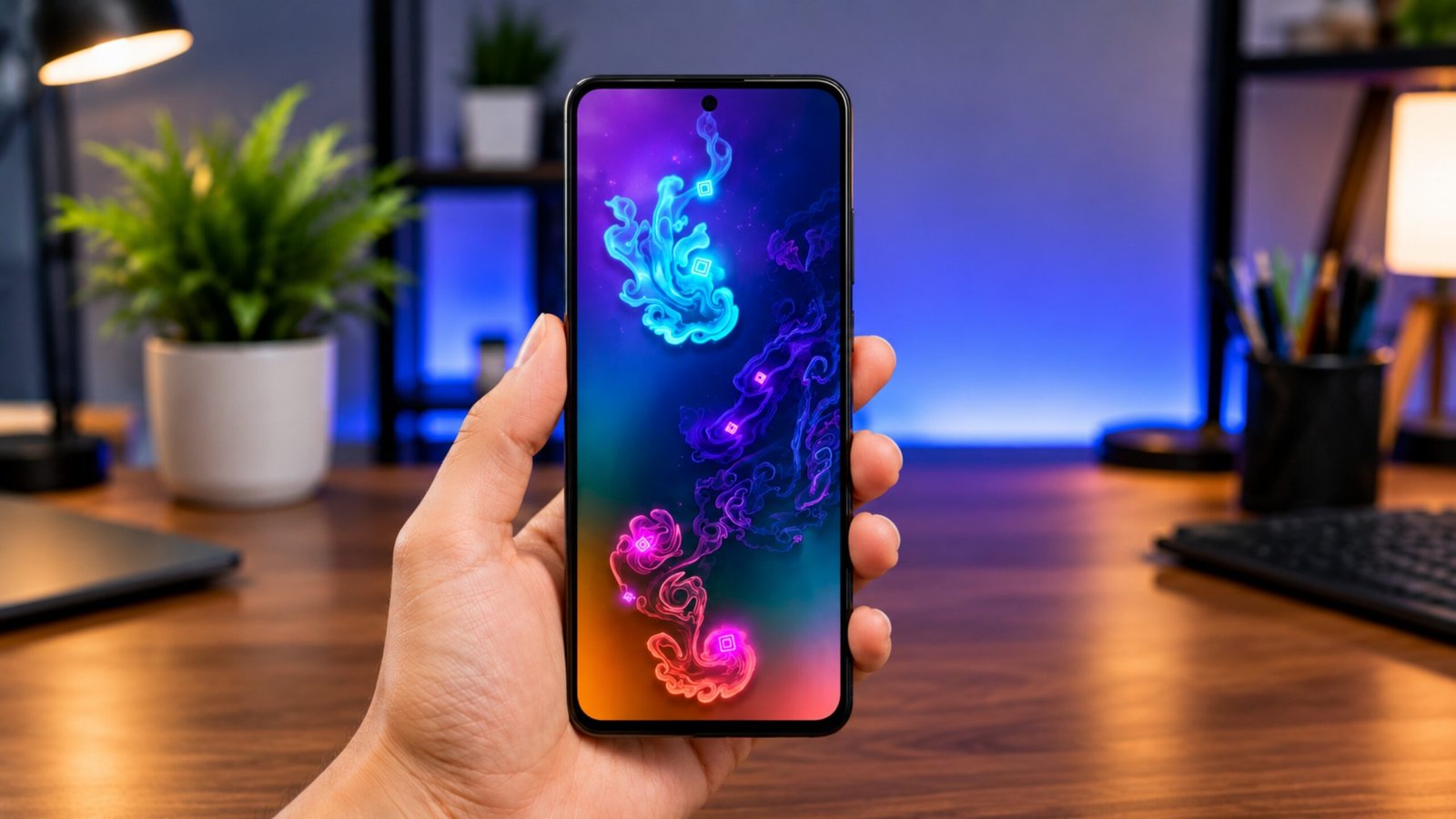
Fluid Simulation is an Android app built around that idea. Rather than offering games, challenges, or complicated features, it lets you interact with colorful, liquid-style animations directly on your phone screen. You can tap, swipe, and watch the patterns move and change in real time.
Also Read: Turn Your Android Phone into a Nokia 1280 with a Classic Launcher
What Makes Fluid Simulation Interesting?
The basic idea is very simple. Open the app, touch the screen, and watch the virtual fluid respond to your movements.
Your finger can create waves, curves, swirls, and other flowing patterns. Since the animation changes according to your movements, the screen can look different every time you use it.
This makes the app suitable for people who enjoy visual effects and want something relaxing to explore without having to learn complicated controls.
A Different Kind of Screen Experience
Most smartphone apps are designed to keep you busy. Fluid Simulation takes almost the opposite approach.
There is no particular goal that you have to complete. You can simply experiment with the colors and movements or leave the animation running while taking a short break.
For some users, this type of interactive visual activity can be an enjoyable way to step away from fast-moving social media feeds, games, or constant notifications.
However, it should be viewed as entertainment and relaxation software, not as a medical treatment. It does not replace professional advice or treatment for stress, anxiety, sleep problems, or other health conditions.
Features You May Find in the App
The exact features can vary depending on the app version and device, but Fluid Simulation generally focuses on interactive visual effects.
Dynamic Fluid Animations
The main attraction is the fluid effect itself. Touching or dragging your finger across the display can produce flowing movements that resemble colorful liquid.
Touch-Based Interaction
You don’t need special instructions to get started. Tap the screen or move your finger around and the animation responds to your actions.
Visual Customization
Depending on the version, customization options may allow you to change colors, effects, movement behavior, or other visual settings. This lets you create an appearance that suits your taste.
Live Wallpaper Options
Some versions may also support animated wallpapers, allowing users to bring fluid-style effects to their phone’s background.
Simple Interface
The concept is easy to understand. Instead of navigating through complicated menus, users can quickly start experimenting with the visual effects.
When Could You Use Fluid Simulation?
There is no fixed way to use the app. It can simply be opened whenever you want a short break from your regular routine.
For example, you might use it:
- During a break from studying
- After finishing work
- While listening to relaxing music
- Before going to bed
- When taking a break from social media
- During a quiet moment at home
Even a few minutes of doing something different can make a normal break feel more enjoyable.
Fluid Simulation vs. Traditional Relaxation Apps
Relaxation apps don’t all work in the same way. Some provide structured activities, while others concentrate on sound or guided exercises.
Here’s how Fluid Simulation differs:
| Type of App | Main Experience |
|---|---|
| Meditation apps | Guided meditation and mindfulness sessions |
| Breathing apps | Breathing exercises and routines |
| Music apps | Relaxing sounds and music |
| Fluid Simulation | Interactive visual animations |
The biggest difference is that Fluid Simulation doesn’t require you to follow a particular routine. You can simply interact with the screen at your own pace.
Is It Easy for Beginners?
Yes, the basic controls are straightforward. You don’t need previous experience with animation apps or any particular technical knowledge.
The simple tap-and-swipe interaction makes it accessible to people who just want to experiment with colorful visual effects.
Performance, available settings, and supported features can differ between Android devices, so checking the app’s current Play Store information is a good idea before installing it.
Things to Keep in Mind
Although Fluid Simulation can be a pleasant way to spend a few minutes, it is still a smartphone app. Using any screen for long periods may contribute to eye fatigue, particularly in uncomfortable lighting conditions.
It is also better to think of the app as a casual relaxation and entertainment tool rather than a solution for mental health concerns.
If you’re experiencing ongoing stress, anxiety, sleep difficulties, or another health-related problem, consider speaking with a qualified healthcare professional.
My Take on Fluid Simulation
What makes this type of app appealing is its lack of complexity. You don’t have to complete levels, understand complicated settings, or spend time learning how everything works.
You can open it, move your finger across the display, experiment with different patterns, and close it whenever you’re finished.
For people who enjoy colorful animations and interactive visuals, that simplicity can be the biggest advantage.

Also Read: Fluid Simulation: A Simple Android App for Relaxation and Visual Calm
Final Thoughts
Fluid Simulation offers a straightforward Android experience built around colorful, responsive fluid animations. Its touch controls and visual effects make it easy to explore, while customization and wallpaper features may provide additional ways to enjoy the animations.
It isn’t a replacement for meditation, professional mental health support, or other wellness practices. But if you’re simply looking for a fun visual app for a short, peaceful break, Fluid Simulation could be an interesting option to try.

Ankita Kumar, founder of sabhigyan.com, is passionate about technology, smartphones, apps, and digital tools. With 8+ years of experience in the digital and tech space, he focuses on creating easy-to-understand, practical, and helpful content that makes everyday technology simpler for readers.
Advertisements