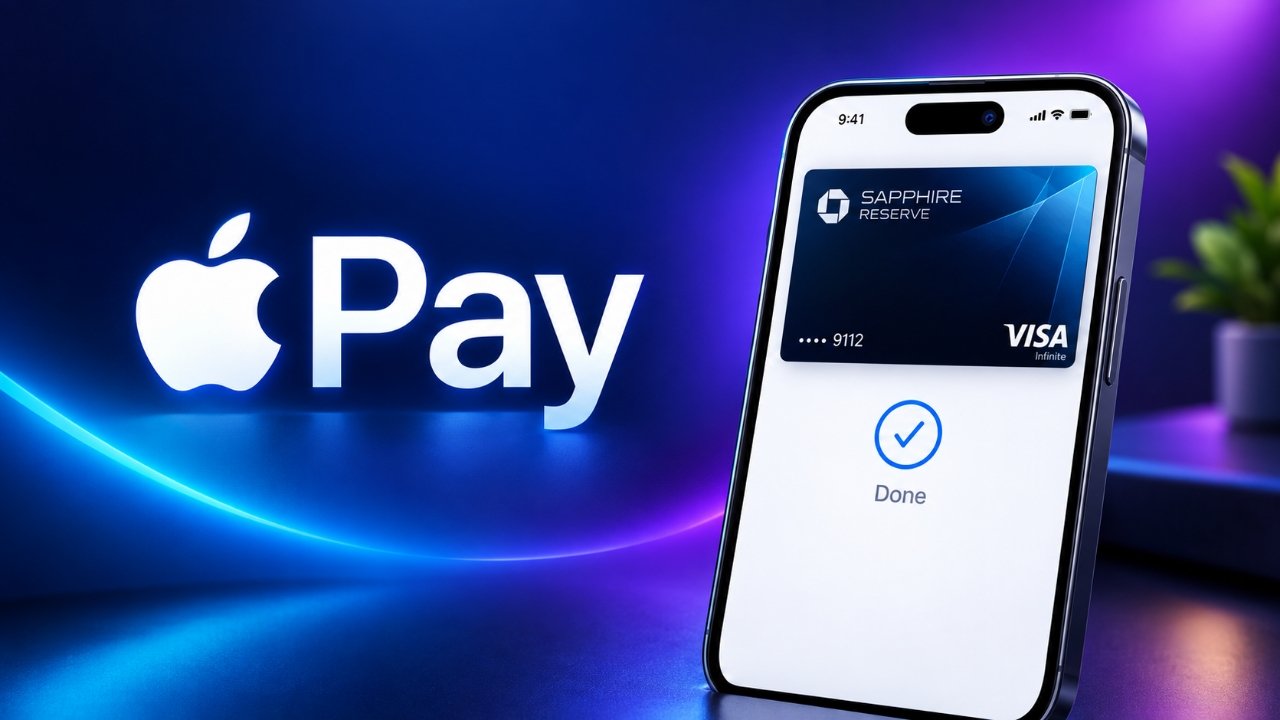
Apple Pay has officially arrived in India, giving iPhone and Apple Watch users another way to make contactless payments. The service is being introduced with limited bank support at launch, with eligible Axis Bank Visa and Mastercard credit cards among the cards supported.
With Apple Pay, users can add a supported card to Apple Wallet and make payments at compatible contactless payment terminals without taking out their physical credit card.
Also Read: How to Disable Double Tap on Apple Watch
Apple Pay Is Now Available in India
Apple Pay allows compatible Apple devices to be used for contactless card payments. In India, the initial availability is limited, so not every bank card can be added to Apple Wallet.
At launch, eligible Axis Bank Visa and Mastercard credit cards can be added and verified for Apple Pay. Support for additional banks and cards may expand over time.
On supported iPhones, users can authenticate a payment with Face ID, Touch ID, or their device passcode. After authentication, they simply need to bring the top of the iPhone close to a compatible contactless card reader.
Apple is also working toward bringing Apple Pay to Mac for online payments, although availability can depend on the device, card and supported services.
Which iPhones and Apple Watches Support Apple Pay?
Apple Pay is available on supported devices running the required software. According to the provided rollout details, compatible devices include:
- iPhone XR and newer models running iOS 18 or later
- Apple Watch Series 6 and later running watchOS 11 or later
The exact availability of Apple Pay features can also depend on the card issuer and region.
How to Add an Axis Bank Card to Apple Pay
If you have an eligible Axis Bank credit card, you can add it to Apple Wallet and complete the verification process.
Add the Card Through Apple Wallet
- Open the Wallet app on your iPhone or iPad.
- Tap the + button.
- Choose the option to add a debit or credit card.
- Follow the instructions shown on the screen.
- Complete the required verification with Axis Bank.
- Once the card is approved and added, it can be used with Apple Pay where supported.
The card must be eligible for Apple Pay, and the bank may require additional verification before completing the setup.
You Can Also Add the Card Through the Axis Bank App
Eligible Axis Bank customers may also be able to add their supported credit card through the Axis Bank app. After selecting the appropriate card and following the setup instructions, the card needs to be verified by the bank.
Once verification is complete, the card will appear in Apple Wallet and can be used for supported contactless payments.
How to Pay With Apple Pay on iPhone
After adding your card, making a contactless payment is straightforward.
On an iPhone with Face ID:
- Double-click the side button.
- Authenticate with Face ID or your device passcode.
- Hold the top of the iPhone near the contactless payment terminal.
- Wait for the payment confirmation.
On supported iPhones using Touch ID, authentication can be completed with Touch ID instead.
You don’t need to open the Wallet app every time you want to make a payment when using the default payment method.
How to Use Apple Pay With Apple Watch
Apple Watch users can also make contactless payments after adding a supported card.
To pay:
- Double-click the side button on the Apple Watch.
- Hold the watch display close to the contactless payment terminal.
- Wait for the payment confirmation.
The card and Apple Watch must be properly set up and supported by the card issuer for the transaction to work.
Apple Pay’s Global Availability
The India launch expands Apple Pay’s presence to another major market. Apple says the service is available across more than 90 countries and regions and works with thousands of participating banks and payment-network partners worldwide.
However, the cards and banks supported by Apple Pay vary from one country to another. So, having an Apple Pay-compatible device does not automatically mean every bank card can be added.
Also Read: How to Disable Apple Intelligence on iPhone, iPad, and Mac Easily
What Indian Users Should Know
The most important point for users in India is that Apple Pay support is currently limited to eligible cards and participating banks. If your existing credit or debit card cannot be added to Apple Wallet, it may simply not be supported yet.
Before trying to make a payment, make sure your iPhone or Apple Watch has compatible software and that your card has been successfully verified by the issuing bank.

Sourav Gorai, founder of sabhigyan.com, is passionate about technology, smartphones, apps, and digital tools. With 8+ years of experience in the digital and tech space, he focuses on creating easy-to-understand, practical, and helpful content that makes everyday technology simpler for readers.