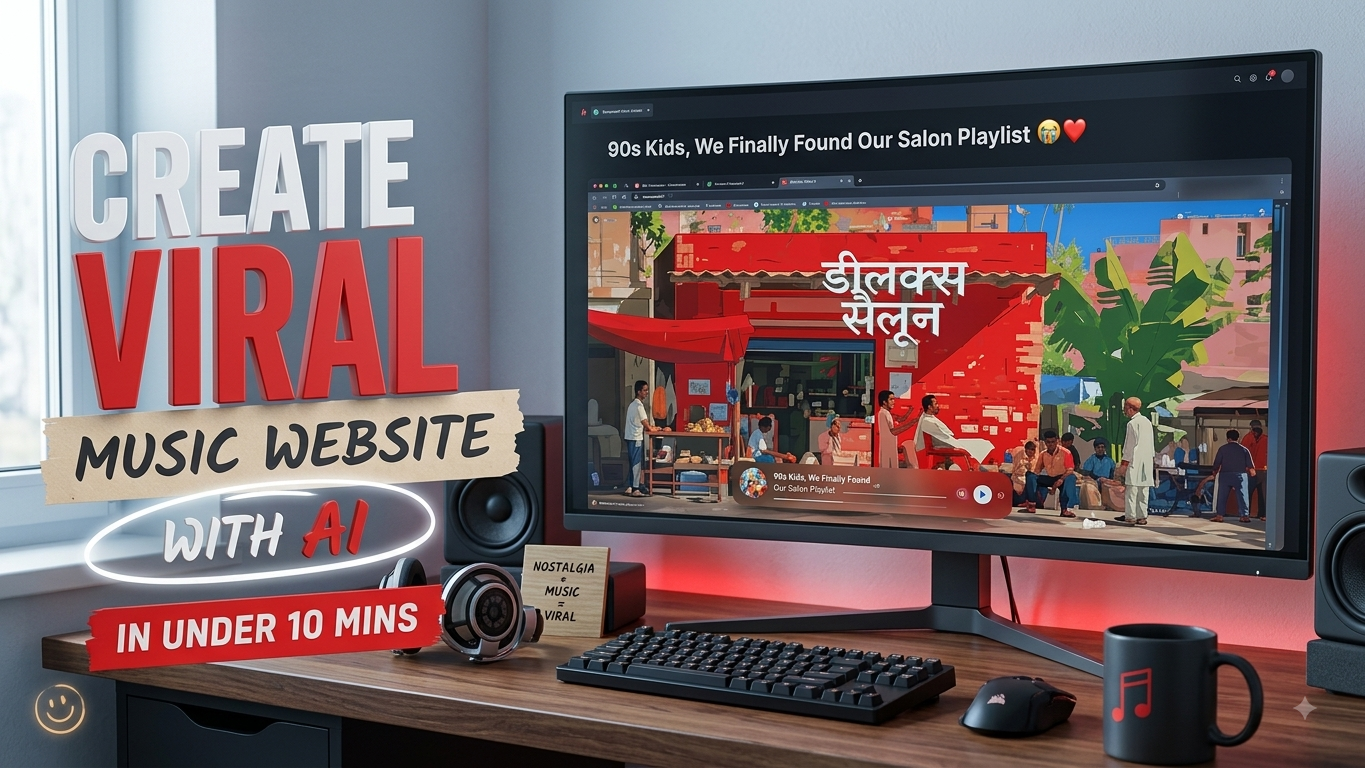
Nostalgia-based music websites are becoming increasingly popular online. From themed playlists inspired by bus rides and road trips to retro cafés, school days, and early-2000s internet culture, these simple websites can turn an ordinary playlist into a fun interactive experience.
The best part is that you don’t need to be an experienced web developer to build one. With an AI website-building tool and a well-written prompt, you can create, customize, and publish a themed music website in just a few minutes.
In this guide, we’ll walk through the basic process and also provide a ready-to-use prompt that you can customize for your own idea.
Also Read: How to Stop Your Phone From Overheating and Keep It Safe
What You Need Before Starting
Before creating your website, keep these things ready:
- A theme or nostalgic concept for your website
- A YouTube or Spotify playlist related to that theme
- Access to an AI-powered website-building tool
- A basic idea of the colours, visuals, and mood you want
For example, your theme could be “2000s Indian Cyber Cafe,” “College Bus Memories,” “Old Bollywood Songs,” or “Rainy Evening Playlist.”
Build Your Music Website with AI
A convenient way to create the site is by using Google AI Studio in your web browser.
Start by opening the platform and signing in with your Google account. Look for the option to create a new app under the build section. Instead of writing code manually, describe what you want the website to look and feel like using a detailed prompt.
The more specific your instructions are, the easier it is for the AI tool to understand the design, mood, features, and overall purpose of the website.
After submitting your prompt, the tool may take a little time to generate the initial concept. Depending on the tool and the request, you may see a preview or design that you can review before making further changes.
If something doesn’t look right, simply describe the changes you want. For example, you could ask the AI to:
- Make the background more nostalgic
- Change the colour palette
- Move the music player
- Improve the mobile layout
- Add more retro visual elements
- Make animations smoother
- Change the main heading
Once you’re happy with the result, use the available publishing option to make the website accessible online.
Note: AI-generated websites may still require testing. Always check the layout, links, music functionality, and mobile responsiveness before sharing the site publicly.
A Ready-to-Use AI Prompt
You can copy the following prompt and replace the topic and playlist with your own information:
Act as an experienced creative frontend developer and web designer.

Create a polished, interactive, single-page nostalgic music website around this concept:

TOPIC: [WRITE YOUR WEBSITE THEME HERE]
PLAYLIST: [ADD YOUR YOUTUBE PLAYLIST URL HERE]

Before designing the website, understand the memories, culture, objects, colours, language, visual elements, and atmosphere connected with the chosen topic.

The website should feel like a genuine memory brought to life, rather than a generic landing page.

Build the complete website as a single index.html file containing the required HTML, CSS, and JavaScript.

Design requirements:

- Create an immersive background inspired by the selected topic.
- Add a large and visually distinctive title that fits the theme.
- Include one prominent central object, illustration, or visual element related to the concept.
- Add small details such as labels, signs, status messages, short phrases, or other elements that make the experience feel authentic.
- Display nostalgic messages or short quotes that automatically rotate at regular intervals.
- Add a stylish music player near the bottom of the screen.
- The music player should include play/pause, previous, next, track information, and a progress indicator where technically possible.
- Use the supplied playlist as the intended music source, while respecting the platform's embedding and usage requirements.
- Include at least one fun keyboard or mouse interaction that fits naturally with the selected theme.
- Add subtle animations, smooth transitions, and suitable hover effects.
- Make the entire design responsive for desktop and mobile screens.
- Keep the interface modern, clean, cinematic, and visually engaging.
- Avoid generic templates, excessive gradients, unnecessary elements, or typical stock-website styling.

The visual design should strongly reflect the chosen topic.

For example, if the topic is "2000s Indian Cyber Cafe", consider visual references such as CRT monitors, Windows XP-style interfaces, Yahoo Messenger-era elements, old keyboards, gaming screens, browser windows, LAN connections, handwritten hourly-rate signs, and early internet culture.

Generate the complete working website directly.
Do not provide a lengthy explanation before the code.
Make the Website More Interesting
The basic prompt can be customized according to your idea. For instance, a 2000s Cyber Cafe concept could use retro computer windows and old-school internet references, while a college memories website could include classroom objects, handwritten notes, bus tickets, or nostalgic messages.
You can also ask the AI to create different visual themes without changing the basic functionality. This makes it possible to experiment with several versions before publishing the one you like most.
A Few Theme Ideas
- 2000s Indian Cyber Cafe
- School Days Memories
- College Bus Playlist
- 90s Bollywood Nostalgia
- Rainy Evening Songs
- Late-Night FM Radio
- Old Railway Journey
- First Mobile Phone Memories
Keep Copyright and Platform Rules in Mind
If you use music from YouTube or another streaming platform, don’t download and re-upload copyrighted songs to your own server unless you have the necessary rights. Where possible, use the platform’s permitted embedding or official playback options.
You should also avoid presenting someone else’s music, artwork, branding, or other copyrighted material as your own.
For a website intended for monetization, review the relevant platform and advertising policies before adding advertisements or other monetization features.
Also Read: How to Fix YouTube Crashing on Android, iPhone, and Web Browser
Final Thoughts
Creating a nostalgic music website no longer requires advanced coding skills. A clear concept, an existing playlist, and a detailed AI prompt can give you a strong starting point within minutes.
The key to making the website stand out is the idea and presentation, not simply adding a music player. Choose a theme that people can relate to, include small authentic details, and make sure the website works properly on both phones and computers before sharing it.

Sourav Gorai, founder of sabhigyan.com, is passionate about technology, smartphones, apps, and digital tools. With 8+ years of experience in the digital and tech space, he focuses on creating easy-to-understand, practical, and helpful content that makes everyday technology simpler for readers.