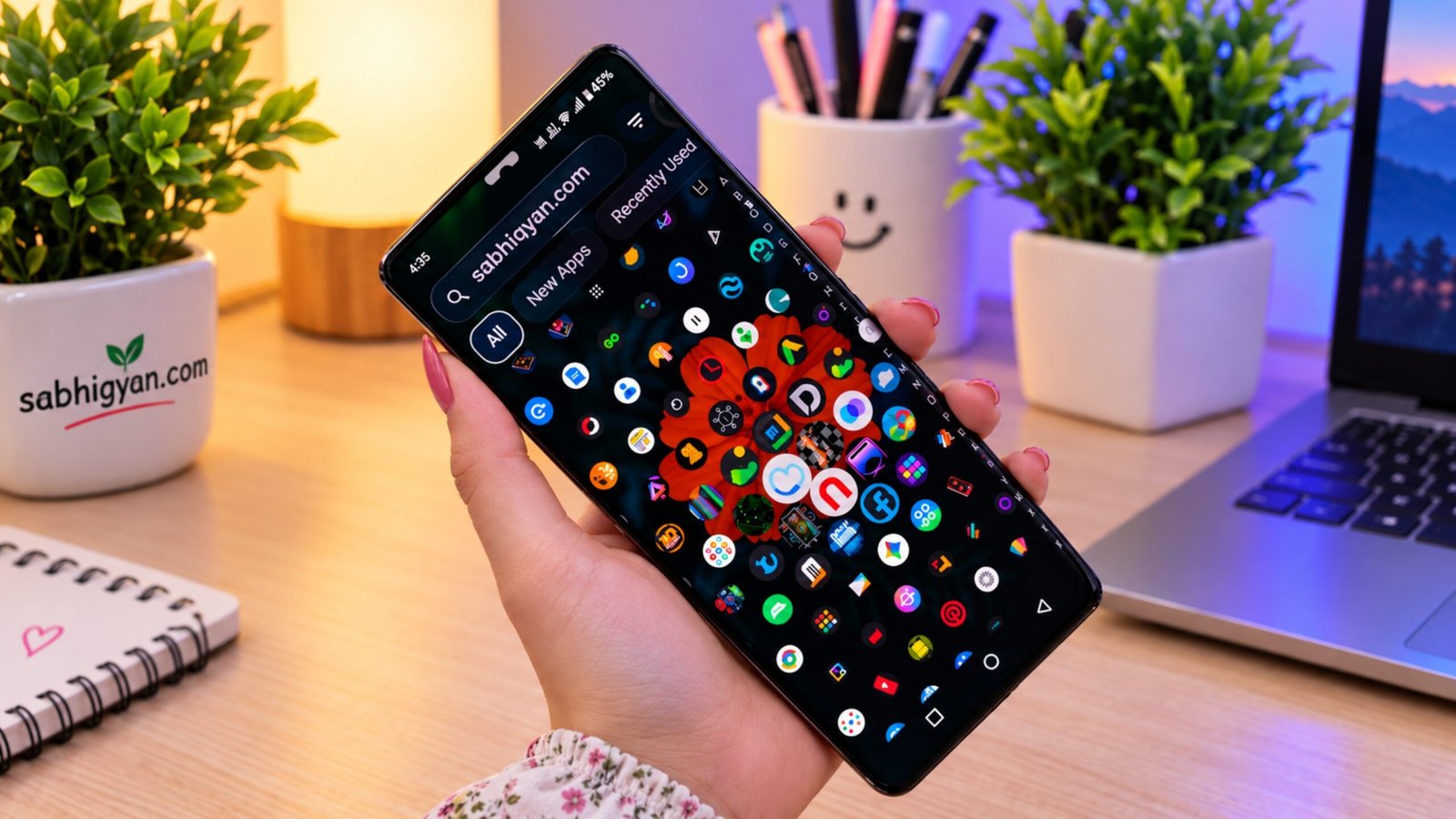
Your Android phone’s home screen is something you probably look at dozens of times every day. Over time, the default interface can start feeling repetitive, crowded, or simply not match your personal style. If you prefer a darker appearance with a cleaner layout, trying a Dark Launcher for Android can be an interesting way to change the overall experience.
Unlike a regular wallpaper or icon pack, a launcher can replace the default home screen and change how you access apps, organize shortcuts, use widgets, and search for applications. This gives you much more control over the way your phone looks and works.
A dark, minimalist launcher can be especially appealing if you like simple interfaces, muted colors, and an uncluttered home screen. However, appearance isn’t the only thing to consider. Performance, permissions, privacy, and customization options are also important when choosing a third-party launcher.
Also Read: GO Launcher S: An Easy Way to Personalize Your Android Home Screen
What Is a Dark Launcher?
A launcher is an Android application that controls the home screen, app drawer, icons, folders, widgets, and other parts of the interface. A Dark Launcher generally focuses on darker colors and a minimalist visual style.
Instead of a bright background filled with numerous icons and widgets, you can create a simpler setup using black, gray, charcoal, or other dark shades.
The exact features depend on the launcher you install, but many third-party launchers provide options for changing the home-screen layout, icon appearance, app organization, search, and shortcuts.
A Different Approach to Your Home Screen
Changing your wallpaper only modifies the background. A launcher can change much more.
Depending on the application, you may be able to:
- Rearrange applications
- Create folders
- Change the icon style
- Adjust the home-screen grid
- Add or remove widgets
- Customize the app drawer
- Use different search options
- Change shortcuts and navigation behavior
- Apply dark-themed visual elements
This is why switching launchers can make an Android phone feel noticeably different without changing the phone’s operating system.
Create a Minimal Android Home Screen
One of the main reasons to use a minimalist launcher is to reduce unnecessary clutter.
You don’t have to keep every installed application on your main screen. Instead, you can place the apps you use regularly in convenient locations and keep everything else inside the app drawer or organized folders.
For example, a simple home screen might contain only your phone, messaging, camera, browser, and a few frequently used apps. This can make finding important applications easier and give the display a cleaner appearance.
Organize Apps Around Your Daily Habits
There isn’t one perfect home-screen layout for everyone.
Someone who uses their phone for work may want quick access to email, documents, calendars, and communication tools. Another person may prefer easy access to photography, music, social media, or entertainment apps.
A customizable launcher lets you arrange these elements according to your own routine instead of relying entirely on the manufacturer’s default layout.
Search for Apps Without Scrolling Everywhere
If you have a large number of applications installed, finding a particular app can become inconvenient.
Many launcher apps include an app drawer with search functionality. Rather than moving through several home-screen pages, you can search for the application by name and open it directly.
This can be particularly useful for people who regularly download new applications and don’t want to reorganize their home screen every time.
Customize Icons, Wallpapers, and Layouts
A dark launcher can also provide plenty of visual customization.
Depending on the specific app, you may find options for changing:
- App icons
- Wallpaper
- Icon size
- Home-screen grid
- Folders
- Widgets
- App drawer appearance
- Animation effects
A dark wallpaper combined with simple icons can produce a consistent look without requiring advanced modifications or root access.
Keep in mind that customization features differ from one launcher to another, so it’s worth checking the application’s current feature list before installing it.
Why Dark Themes Can Look Great on AMOLED Displays
Dark interfaces are often associated with OLED and AMOLED smartphones because these displays can show true black by turning individual pixels off.
In suitable situations, this can reduce the amount of power consumed by the display compared with showing brighter colors. However, the actual difference depends on several factors, including screen technology, brightness level, wallpaper, and how you use your phone.
For that reason, it’s better to choose a dark launcher because you like its appearance and usability rather than expecting a guaranteed improvement in battery life.
Keep Customization Under Control
More customization doesn’t automatically mean a better experience.
Some launchers offer numerous widgets, animations, effects, gestures, and other options. Using all of them at once can make your home screen complicated instead of simple.
A better approach is to start with a basic setup. Keep the applications and widgets you actually use, then add additional features only when they provide something useful.
On some devices, a simpler configuration with fewer animations and widgets may also feel more responsive. Performance can vary depending on the launcher, smartphone hardware, Android version, and the number of features being used.
Check Privacy Before Using a Third-Party Launcher
A launcher has an important role because it sits at the center of your Android home-screen experience. That makes privacy something you shouldn’t overlook.
Before installing one, take a moment to check the permissions it requests and read the developer’s privacy information.
The permissions can differ between applications because some launchers offer features that require additional access. However, if a requested permission doesn’t appear to have a clear connection to the application’s functionality, it’s worth investigating before allowing it.
You should also consider the developer’s reputation, recent reviews, update history, and information provided on the app’s official listing.
Is a Dark Launcher Worth Trying?
A Dark Launcher for Android can be useful if you want to move away from a busy default interface and create a home screen that feels simpler and more personal.
It may suit users who enjoy:
- Dark or AMOLED-style themes
- Minimalist home screens
- Custom app icons
- Organized application layouts
- Quick app searching
- Personalized widgets and shortcuts
- A less cluttered interface
However, switching to a third-party launcher isn’t essential. If your current Android launcher already provides everything you need, there may be no practical reason to replace it.
The important thing is to choose a launcher based on the features you actually need rather than installing one simply because it offers a large number of customization options.
Official Play Store App Link
Also Read: Droid Lab App for Android Review: A Handy Tool for Gestures and Shortcuts
Final Thoughts
A Dark Launcher can give an Android phone a noticeably different appearance while also providing new ways to organize applications and personalize the home screen. A simple dark interface, carefully selected icons, and a few useful shortcuts can create a clean setup without making the phone complicated.
Before setting any launcher as your permanent home-screen app, check its available customization features, performance, permissions, privacy policy, developer information, and recent user feedback. A good launcher should not only look stylish but should also make everyday phone use more convenient.

Ankita Kumar, founder of sabhigyan.com, is passionate about technology, smartphones, apps, and digital tools. With 8+ years of experience in the digital and tech space, he focuses on creating easy-to-understand, practical, and helpful content that makes everyday technology simpler for readers.
Advertisements