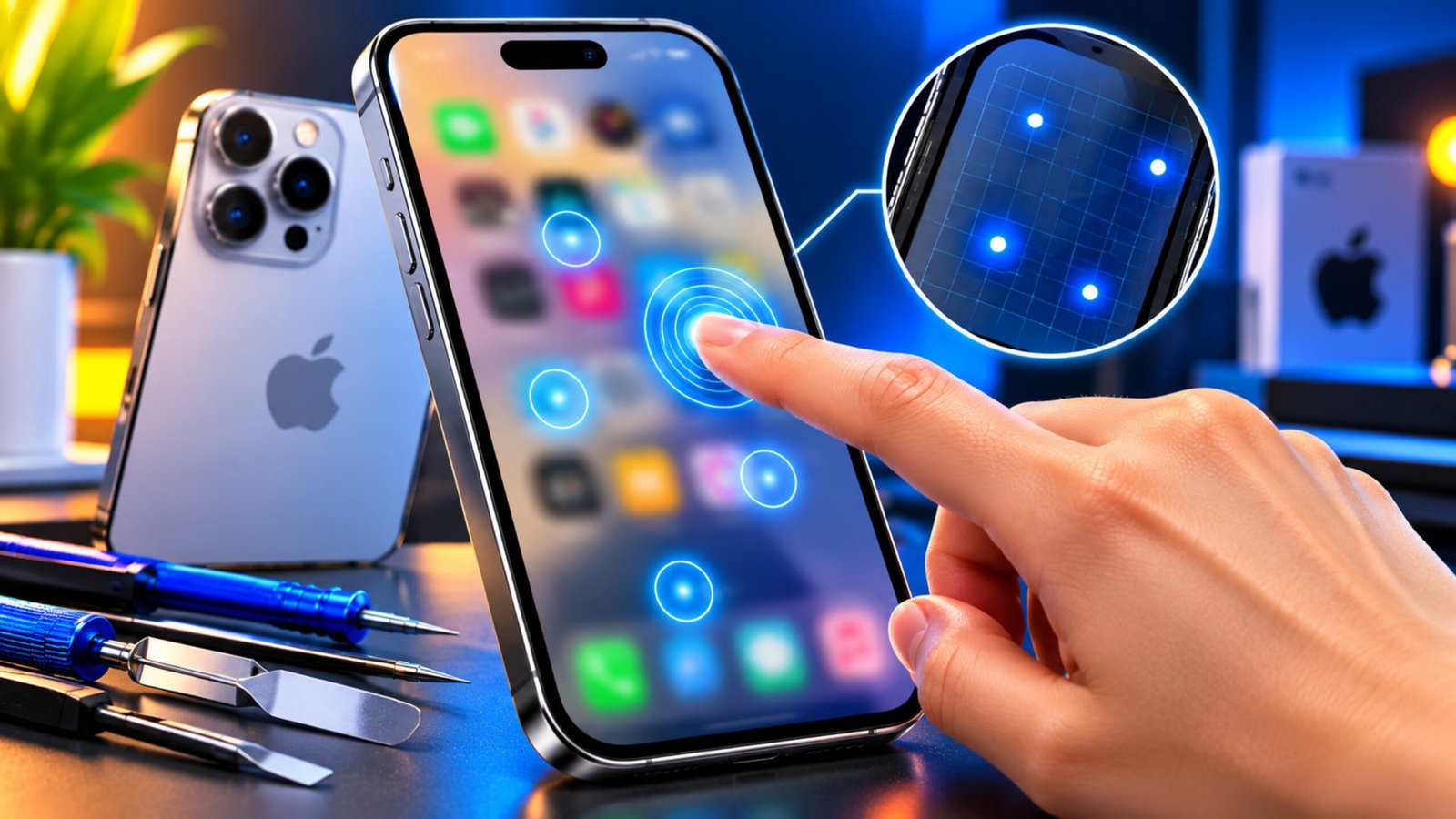
If you own an older iPhone and suddenly notice that the touchscreen is not responding properly, the issue may be more than a damaged display. One problem that became widely discussed among older iPhone users is known as iPhone Touch Disease.
The name sounds unusual, but it does not refer to an actual disease. It is a term commonly used to describe certain touchscreen-related hardware problems, particularly on older iPhone models.
In this guide, we’ll explain the common symptoms, affected models, possible causes, repair options, and what you should do before giving your iPhone to a technician.
Advertisements
Also Read: How to Back Up iPhone 16: Simple Ways to Keep Your Data Safe
What Is iPhone Touch Disease?
iPhone Touch Disease refers to a hardware-related touchscreen problem that became particularly associated with the iPhone 6 Plus.
The issue can cause the touchscreen to become unreliable. At first, you may notice occasional missed touches or problems with multitouch gestures. In more severe cases, the display may stop responding to touch altogether.
A flickering gray area or bar near the top of the display has also been associated with the problem.
It is important to note that not every iPhone 6 or iPhone 6 Plus develops this issue. The problem only affected some devices, and the severity could vary.
Common Signs of Touch Disease
The symptoms may appear gradually rather than all at once. Some of the most noticeable signs include:
- Touches occasionally fail to register.
- Scrolling becomes inconsistent.
- Pinch-to-zoom gestures stop working correctly.
- Multitouch commands become unreliable.
- A gray, flickering bar may appear near the top of the screen.
- Typing becomes difficult because some touches are not detected.
- The touchscreen may eventually stop responding completely.
For example, you might tap an app icon several times without getting a response. Similarly, typing on the keyboard or scrolling through a webpage can become frustrating when parts of the screen no longer recognize your finger.
Quick Symptoms Checklist
If an older iPhone is showing several of these signs at the same time, it may be worth having the hardware inspected:
Touch problems: Taps or swipes are occasionally ignored.
Multitouch problems: Pinch, zoom, or other gestures don’t work consistently.
Display symptoms: A flickering gray bar can appear near the upper part of the screen.
Worsening responsiveness: The touchscreen may gradually become more difficult to use.
However, these symptoms alone don’t prove that the phone has Touch Disease. A technician should diagnose the actual cause.
Which iPhone Models Were Associated With the Problem?
The iPhone 6 Plus is the model most closely associated with Apple’s historical Touch Disease repair program.
There were also reports of similar touchscreen problems on the standard iPhone 6, but Apple did not officially include the regular iPhone 6 in that specific repair program.
This distinction is important because an iPhone experiencing touchscreen problems does not automatically qualify for Apple’s historical service program.
Why Does iPhone Touch Disease Happen?
The exact cause has been discussed differently by Apple and independent repair specialists.
Apple attributed the issue to repeated hard drops that could place additional stress on the device. Physical impacts can affect internal components and connections over time.
Independent repair specialists, including iFixit, investigated the internal hardware and highlighted the touchscreen controller chips and their connections on the logic board.
These components play an important role in processing touchscreen input. If connections around them become damaged or develop problems, touch functionality can be affected.
Because different explanations have been discussed, it would be inaccurate to say that every affected iPhone developed the problem for exactly the same reason.
In some cases, physical impact may have contributed, while other reported cases raised questions about the phone’s internal design and durability.
Why Changing the Screen May Not Solve It
When an iPhone touchscreen starts behaving strangely, replacing the display might seem like the obvious solution.
However, Touch Disease is associated with internal hardware on the logic board rather than simply the glass or display panel.
That means installing another screen may not resolve the underlying problem if the fault is actually related to the touchscreen controller circuitry or its connections.
This is why getting a proper diagnosis before paying for a screen replacement can save money.
Can You Repair iPhone Touch Disease?
Repairing this type of hardware problem can require specialized skills.
A technician experienced in micro-soldering and logic-board repair may be able to inspect the relevant components and connections. If damaged solder joints or related connections are responsible for the problem, a suitable repair may be possible.
The exact repair depends on what the technician finds during the inspection.
Because logic-board work involves very small components, it is not the same as replacing a battery or screen. Specialized equipment and experience are generally required.
Should You Try to Fix It Yourself?
DIY repair is generally not a good idea unless you already have the appropriate electronics repair experience and equipment.
Opening an iPhone can expose delicate components to additional damage. Attempting soldering work without the necessary skills could make the original problem worse or create new faults.
If you suspect a logic-board issue, taking the phone to an experienced repair professional is a safer option.
Apple Service or Third-Party Repair?
There are two main routes users may consider: official Apple service and an experienced independent repair shop.
Apple previously offered a dedicated repair program for eligible iPhone 6 Plus devices with the relevant symptoms. That program had specific eligibility conditions and a limited service period, so users should not assume that the historical program is still available for their particular device.
A third-party repair specialist may offer logic-board or micro-soldering services. However, the quality of repair can vary considerably between shops.
Before handing over your iPhone, consider asking:
- Does the technician have experience with logic-board repairs?
- Do they perform micro-soldering themselves?
- Is there a repair warranty?
- What happens if the repair is unsuccessful?
- What exactly is included in the quoted price?
- Could the repair involve replacing another component?
Getting these details beforehand can help you understand the risks and potential cost.
Back Up Your iPhone Before Repair
Before sending an affected iPhone for repair, back up your important data.
Save your photos, videos, contacts, messages, documents, and other important information using iCloud or a computer backup.
This is particularly important because some repair situations may involve replacing the device or resetting it. Having a recent backup makes it easier to restore your information afterward.
What Should You Do If Your iPhone Shows These Symptoms?
If your older iPhone starts showing touchscreen problems, don’t immediately assume that the screen needs to be replaced.
Instead:
- Back up your important data.
- Note when the touchscreen problems started.
- Check whether the issue happens consistently or occasionally.
- Avoid opening the phone yourself if you don’t have repair experience.
- Check Apple’s current repair and service options.
- If considering a third-party shop, choose a technician experienced in logic-board and micro-soldering work.
- Ask for the diagnosis and repair cost before approving the work.
If the phone has suffered physical damage, tell the technician about it because that information can help with diagnosis.
Also Read: Reset Network Settings on iPhone: Fix Wi-Fi, Cellular & Bluetooth Issues
Final Thoughts
iPhone Touch Disease is a term associated mainly with touchscreen problems reported on older iPhone models, especially the iPhone 6 Plus. Missed touches, unreliable gestures and a flickering gray area near the top of the display are among the symptoms that have been reported.
Since the underlying issue can involve internal hardware rather than the display itself, a simple screen replacement may not solve the problem. A qualified technician with logic-board and micro-soldering experience may be able to identify and repair the underlying fault.
Most importantly, back up your data before getting any hardware repair, and get a proper diagnosis before spending money on replacement parts.

Sourav Gorai, founder of sabhigyan.com, is passionate about technology, smartphones, apps, and digital tools. With 8+ years of experience in the digital and tech space, he focuses on creating easy-to-understand, practical, and helpful content that makes everyday technology simpler for readers.
Advertisements