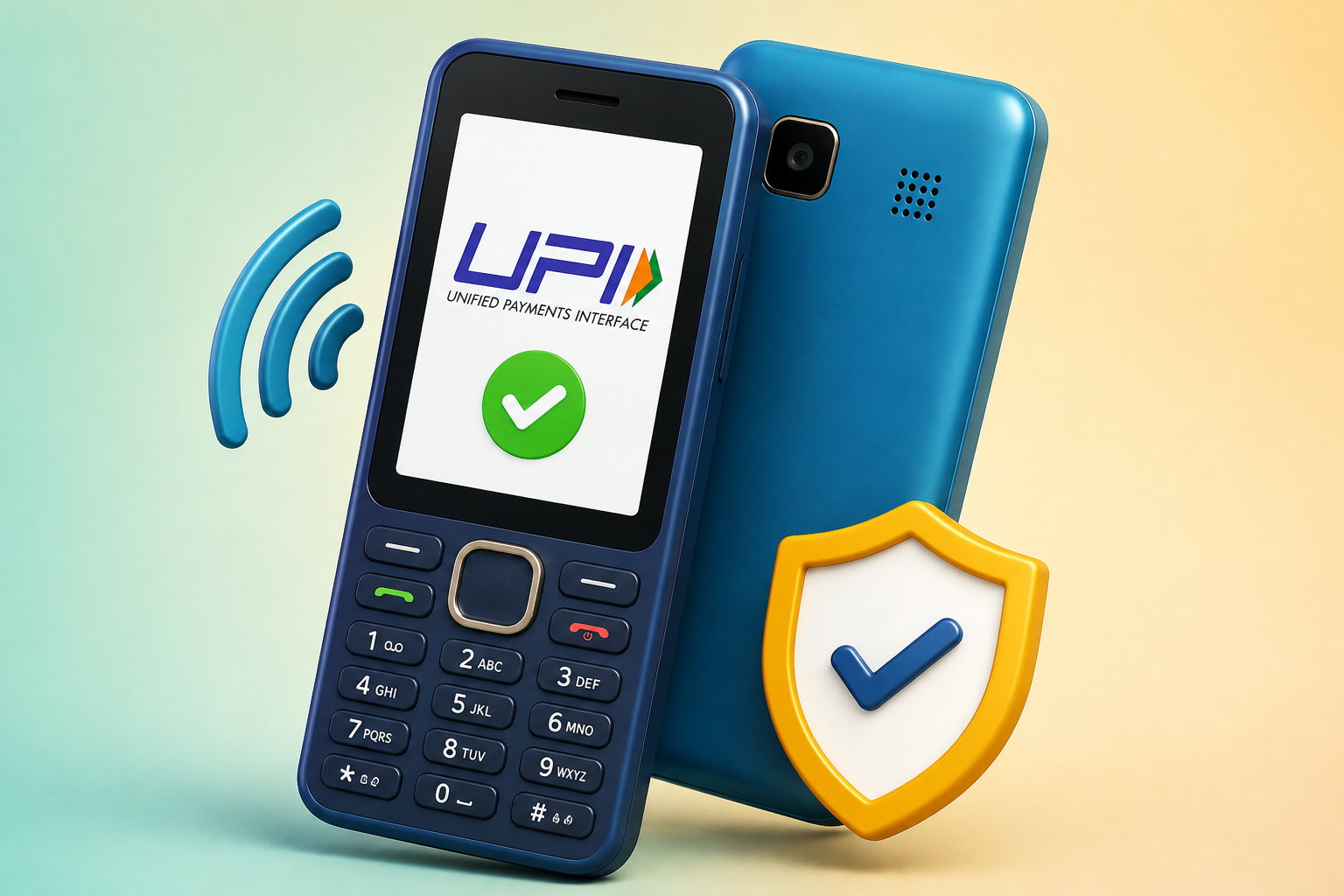
Digital payments are no longer limited to smartphone users. PhonePe has introduced UPI 123Pay support for feature phones, allowing people with basic keypad phones to access UPI payments even when mobile internet is unavailable.
The service is designed for users who still rely on 2G feature phones and may not have access to smartphones or regular internet connectivity. With this facility, users can send money, pay merchants and perform selected banking-related tasks directly from a compatible feature phone.
Also Read: How to Set Up Face ID on iPhone 16: A Complete Beginner’s Guide
What Is PhonePe UPI 123Pay?
UPI 123Pay is a payment facility developed for users who do not use smartphones. PhonePe has brought this functionality to compatible feature phones, making it possible to use UPI services without depending on a conventional internet connection.
The service uses an SMS-based payment architecture, which is intended to help transactions work in areas where internet access is limited.
PhonePe is among the major third-party UPI providers to extend its payment services to feature phones.
Which Feature Phones Support the Service?
The UPI 123Pay facility is available on selected feature phones from brands such as Nokia, HMD, Lava and Itel.
Some of the compatible models mentioned include:
- HMD 105 2G
- HMD 110 2G
- Nokia 105 Classic
- Nokia 105 Single SIM
- Nokia 105 Dual SIM
- Nokia 106
- Nokia 123 Shield
Availability can vary depending on the phone model, software version and rollout, so users should check whether the feature is supported on their particular handset.
What Can You Do With PhonePe UPI 123Pay?
Once the service has been activated, feature phone users can access several basic UPI functions.
These include:
- Sending money using a mobile number
- Making payments through a UPI ID
- Paying participating merchants
- Using supported QR-based payment options
- Checking the linked bank account balance
- Viewing transaction details
The service is particularly useful for people who want to use digital payments but do not have a smartphone or reliable mobile data.
Voice Assistance for New Users
For people using UPI for the first time, PhonePe has also introduced a voice-focused assistance system. It is intended to guide users through the activation process and explain the steps required to use the service.
The assistance is available in English, Hindi and several Indian languages, making the feature easier to understand for users who may not be comfortable navigating smartphone-based payment applications.
PhonePe has also indicated plans to introduce additional services in future, including options related to bill payments, mobile recharges and Aadhaar-based onboarding.
How to Activate PhonePe UPI 123Pay on a Feature Phone
If your feature phone supports UPI 123Pay, you can follow the setup process provided by the service:
Step 1: Open PhonePe
Launch the PhonePe application available on your supported feature phone.
Step 2: Accept the Terms
Read the displayed terms and conditions and accept them to begin device registration.
Step 3: Choose Your Bank
Select the bank account that you want to connect with your UPI service.
Step 4: Enter Debit Card Details
Provide the last six digits of your debit card along with the card’s expiry date when requested.
Step 5: Set Your UPI PIN
Create your UPI PIN by following the instructions on the phone.
After successful registration, your UPI service should be ready for supported transactions.
How to Send Money From a Feature Phone
After completing registration, you can initiate a payment using the available options on your handset.
- Open PhonePe on the feature phone.
- Select the relevant payment option, such as Scan & Pay, Contact Book, Mobile Number or UPI.
- Choose whether you want to pay using a mobile number or UPI ID.
- Enter the recipient’s mobile number or UPI ID.
- Carefully verify the recipient information.
- Enter the amount you want to send.
- Enter your UPI PIN when prompted.
- Confirm the transaction.
A confirmation message should appear after the payment has been processed successfully.
Things to Keep in Mind
Before using UPI 123Pay, make sure your feature phone and bank account are supported by the service. Never share your UPI PIN, debit card details or OTP with another person. Your UPI PIN should only be entered when you are intentionally making or authorising a transaction.
Also, always verify the recipient’s details and payment amount before confirming a transaction.
Also Read: How to Stop Pop-Up Ads on Android: Simple Ways to Block Unwanted Ads
Final Thoughts
PhonePe UPI 123Pay can be a useful option for people who still use keypad or feature phones and want access to digital payments without relying on mobile internet. By bringing basic UPI facilities to compatible feature phones, the service can make digital transactions more accessible to users in areas with limited connectivity.
However, users should first confirm that their handset and bank account support the service. While making payments, always double-check the recipient’s details and never share your UPI PIN or other confidential banking information with anyone.
Overall, UPI 123Pay adds another convenient way for feature phone users to participate in India’s digital payment system without needing a smartphone.

Sourav Gorai, founder of sabhigyan.com, is passionate about technology, smartphones, apps, and digital tools. With 8+ years of experience in the digital and tech space, he focuses on creating easy-to-understand, practical, and helpful content that makes everyday technology simpler for readers.
Advertisements