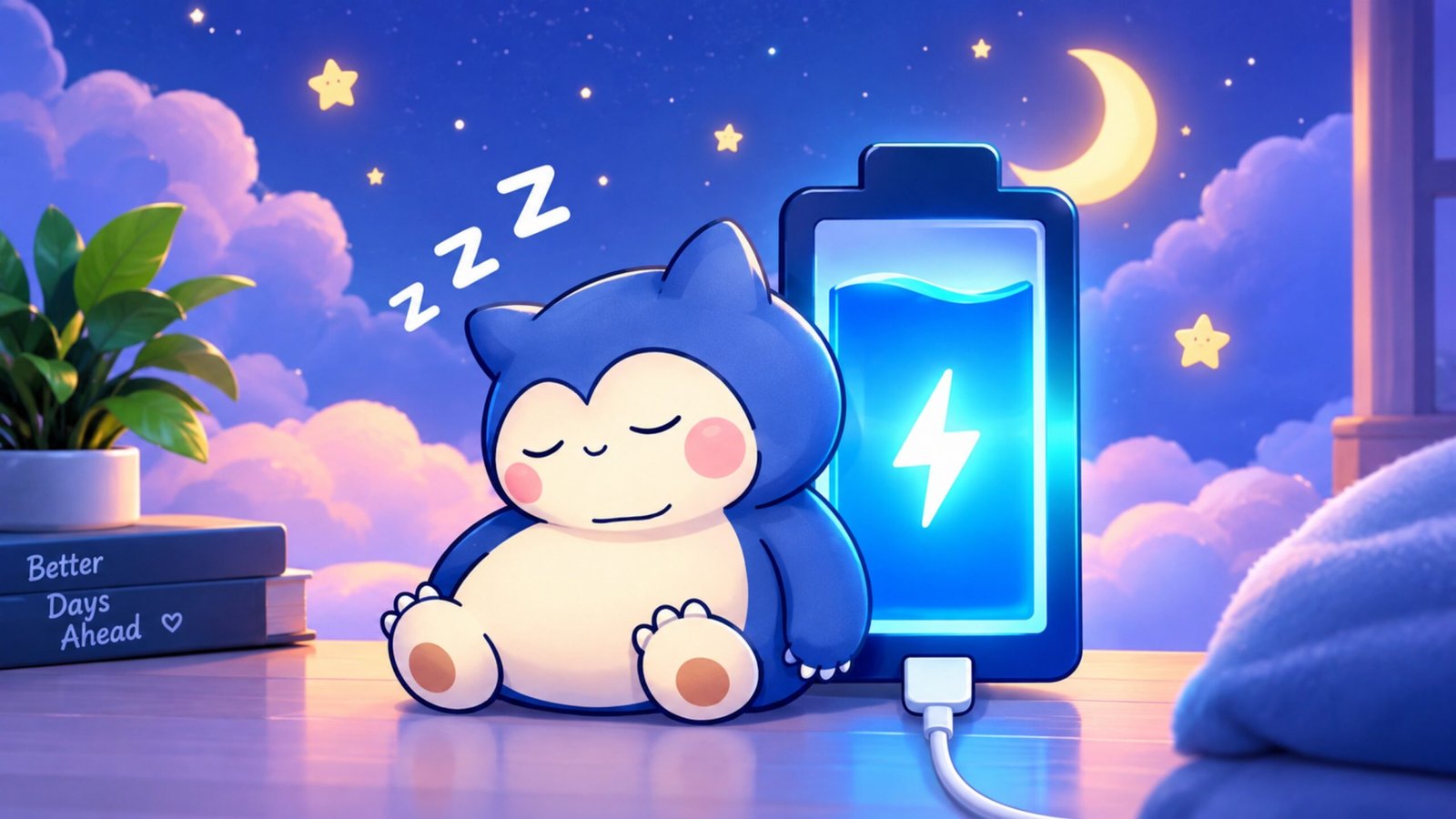
Your smartphone’s battery screen is something you probably see every day, but that doesn’t mean it has to look boring. Most Android phones come with a standard battery icon and a simple charging animation that you cannot customize much.
DIY Battery – Customize Charging Animation & Battery Style is designed for users who want to give this part of their phone a more personal look. The app provides different customization options for the charging screen, battery appearance, and visual effects.
In this article, we’ll take a closer look at what the app offers, how it can be used, and a few things you should keep in mind before installing it.
Also Read: Pika Charging Animation Show: How to Add Your Photo to the Android Charging Screen
What Is DIY Battery?
DIY Battery is an Android customization app focused mainly on the charging experience. Depending on the options supported by the app and your device, you can personalize the charging screen with different animations, visual effects, battery styles, and media.
One of its more interesting options is the ability to use personal content, such as photos, videos, or GIFs, to create a charging screen that feels different from the default Android interface.
The exact features and compatibility can vary depending on the app version and Android device.
Main Features of DIY Battery
1. Personalized Charging Animations
The charging animation is the main reason many users may want to try the app. Instead of relying on the standard charging screen, you can choose from available animations or, where supported, add your own content.
Some options may include:
- Video-based charging animations
- GIF animations
- Animated visual effects
- Different charging themes
This gives you more control over what appears on the screen when your phone is connected to a charger.
2. Different Battery Styles
The app also focuses on changing the appearance of the battery indicator. Rather than keeping the same default design, you can explore alternative battery styles.
Depending on the available options, these may include:
- Percentage-based battery displays
- Neon-style designs
- RGB-inspired effects
- Different battery shapes and layouts
This can be useful if you enjoy customizing the appearance of your Android phone.
3. Create Your Own Charging Look
The “DIY” aspect is another useful part of the app. Instead of simply selecting a ready-made theme, some customization options allow you to create a more personal charging screen.
For example, you may be able to use:
- Your own photos
- Personal videos
- GIF files
- Custom visual combinations
The available editing tools will depend on the current version of the application.
4. Visual Effects While Charging
For users who prefer more dynamic screens, DIY Battery may offer effects such as glowing animations, moving particles, and other visual elements.
These effects can make the charging screen look more lively than the standard battery interface. However, using complex animations continuously may require more system resources than a simple static display.
5. Battery Information
Apart from appearance-related features, the app may also provide basic battery-related information. Depending on the device and Android version, this can include details such as:
- Current battery percentage
- Charging status
- Battery temperature
- Charging-related information
Keep in mind that battery information shown by third-party apps can depend on what data the Android system makes available to them.
How to Customize the Charging Screen
Getting started with the app is generally straightforward:
- Install DIY Battery from a trusted source such as the Google Play Store.
- Open the application and review the permissions it requests.
- Look for the charging animation or customization section.
- Select an available animation, GIF, or supported personal media.
- Open the battery style section to choose a different battery design.
- Apply or save your preferred settings.
- Connect your phone to a charger and check whether the selected customization appears.
The names and locations of individual options can change with future app updates, so the interface may look different from the steps above.
Advantages and Limitations
Pros
- Simple customization options
- Multiple charging styles
- Support for different visual effects
- Personal media can make the charging screen more distinctive
- Useful for Android users who enjoy personalization
Cons
- Some features may require payment
- Heavy animations can use additional battery or system resources
- Compatibility can vary between Android devices
- Certain features may not work on every Android version
Is DIY Battery Free to Use?
The app may be available to install for free, while some additional features or customization options can be offered as premium features. The exact pricing and available features can change, so it is better to check the current app listing before making a purchase.
Does a Charging Animation Affect Battery Life?
A simple charging animation generally has a relatively small impact, but more demanding video effects or continuously running visual elements can consume additional system resources.
If battery efficiency is important to you, using simpler animations or static designs is a sensible choice.
Does It Work on Every Android Phone?
Not necessarily. Android manufacturers use different system interfaces and restrictions, so an app that changes the charging screen may behave differently across devices.
Older Android versions or heavily customized interfaces may also have compatibility limitations. Checking the app’s current compatibility information before installation is recommended.

Also Read: Nocebo Launcher: A Fresh and Customizable Way to Use Your Android Home Screen
Final Thoughts
DIY Battery – Customize Charging Animation & Battery Style is aimed at Android users who want more control over the appearance of their charging screen. Its combination of charging animations, battery designs, and visual effects can make an otherwise ordinary part of the phone interface more personal.
However, not every feature will necessarily work on every smartphone, and some options may be available only in a paid version. If you enjoy experimenting with Android customization, the app can be worth exploring while keeping your device’s performance and battery usage in mind.

Ankita Kumar, founder of sabhigyan.com, is passionate about technology, smartphones, apps, and digital tools. With 8+ years of experience in the digital and tech space, he focuses on creating easy-to-understand, practical, and helpful content that makes everyday technology simpler for readers.
Advertisements