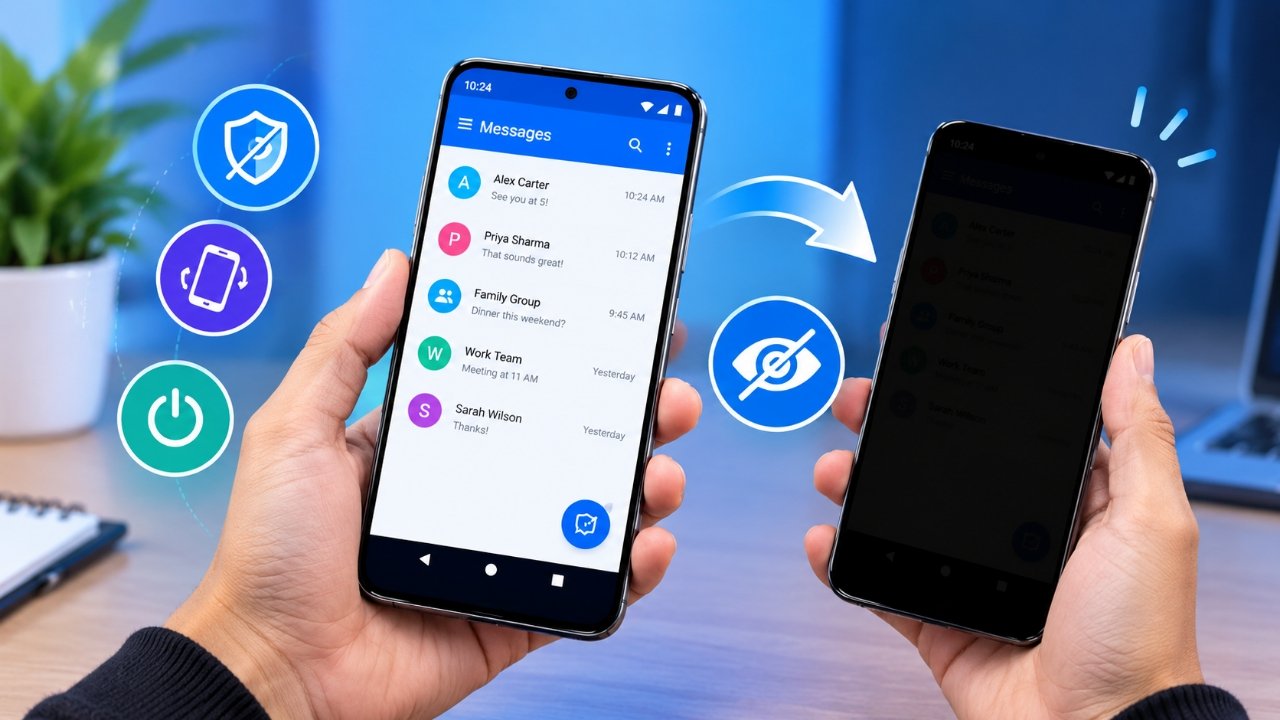
Using a smartphone in a crowded place can sometimes make you uncomfortable, especially when the screen contains personal messages, emails, photos or other private information. People sitting nearby may accidentally get a clear view of what is displayed on your phone.
Privacy Display: Screen Filter is an Android application that aims to provide an extra layer of screen privacy through a software-based overlay. Instead of attaching a physical privacy film to the display, the app places a dark filter over the screen and can use the phone’s orientation to control when that filter appears.
Developed by Medusa Lab, the app is available on Google Play and includes advertisements and in-app purchases. But how does it actually work, and can it replace a traditional privacy screen protector? Let’s take a closer look.
Also Read: Always On Display Clock Widget Review: Give Your Android Lock Screen a New Look
What Is Privacy Display: Screen Filter?
Privacy Display: Screen Filter is a utility app designed for Android smartphones. Its primary purpose is to make the contents of a phone screen less visible to people nearby.
The app uses a software overlay rather than changing the physical properties of the smartphone display. One of its notable features is the ability to use the phone’s orientation as a trigger for activating the privacy filter.
For example, imagine that you are sitting on a train and reading a private conversation. If someone sits beside you and you want to make the screen less visible, the configured privacy function can be activated by changing the phone’s position.
The important point is that the app does not narrow the phone’s physical viewing angle. It simply places an additional layer over the screen.
How Does the Screen Privacy Feature Work?
The basic concept behind the application is fairly straightforward.
After configuring the relevant settings, the app can respond to the orientation of the smartphone. When the device reaches the required position, a dark overlay can appear on top of the content.
This approach can be more convenient than repeatedly opening the privacy application whenever you need to hide the display.
Depending on the Android version and device, the privacy overlay may also be used while another application is open. However, the exact experience can vary because Android permissions, system restrictions, sensors and manufacturer-specific software can affect how apps that display overlays behave.
Key Features of Privacy Display: Screen Filter
The application offers several functions aimed at making screen privacy easier to control.
1. Tilt Mode
Tilt Mode is one of the main features of the application.
Instead of manually opening the app whenever you want to activate the privacy filter, this mode can use the phone’s orientation as a trigger. When the smartphone is tilted or moved into the configured position, the screen overlay can be activated.
This can be useful when you need to react quickly in a public environment.
For instance, while travelling by bus or train, you may be reading a personal message when another passenger moves closer to your seat. In such a situation, the tilt-based control can offer a quick way to activate the privacy effect, assuming it is correctly configured and works with your particular device.
2. Always On Mode
Not everyone wants to rely on a tilt gesture. For users who prefer continuous privacy filtering, the app also provides an Always On Mode.
This mode can be useful when you are working with personal information in a shared environment for an extended period.
An office worker, for example, may want an additional screen filter while checking personal information at work. Similarly, a traveller may prefer to keep the privacy layer active while using a smartphone around other passengers.
The usefulness of this feature ultimately depends on how you prefer to manage your phone’s screen privacy.
3. Floating Control Panel
Another feature is the Floating Control Panel, which is intended to provide quicker access to the privacy controls.
A floating control can be useful if you frequently move between different applications. Instead of leaving the application you are currently using to access the privacy settings, you may be able to control the feature through the floating interface.
Keep in mind that Android’s permission system can affect how floating controls operate. The available options may also differ depending on the smartphone manufacturer and Android version.
Where Can This App Be Useful?
Screen privacy can become particularly important when you are using a smartphone around strangers or other people.
Some common situations include:
- Public buses and trains
- Airports and flights
- Restaurants and coffee shops
- Offices and coworking spaces
- Libraries and classrooms
- Waiting rooms and other shared areas
You may be checking an email, reading a private conversation, looking through personal photos or viewing other information that you do not want people around you to see.
This type of unwanted screen viewing is often called shoulder surfing.
Privacy Display: Screen Filter can serve as an additional measure against this problem by putting a software-generated layer over the display. However, users should not consider it a guarantee that nobody will be able to see their screen.
The effectiveness can depend on factors such as the phone’s position, brightness, viewing angle and how the overlay is configured.
Can It Replace a Physical Privacy Screen Protector?
No.
This distinction is important before installing the app.
A physical privacy screen protector is a piece of hardware fitted over the smartphone display. It is designed to reduce visibility from certain angles by changing how light from the display can be viewed.
Privacy Display: Screen Filter works differently. It is an application that creates a software overlay on top of whatever is being displayed.
Its Tilt Mode can use the phone’s orientation to decide when that overlay should appear, but it does not modify the actual optical characteristics of your screen.
Therefore, someone looking for a hardware-based privacy solution should not treat this application as a direct replacement for a physical privacy screen protector.
Privacy and Data Safety
Privacy should be considered carefully when installing any application, particularly one that is intended to help protect information displayed on your phone.
Before downloading Privacy Display: Screen Filter, it is a good idea to check its current Data Safety section on Google Play. The information shown in the Play Store listing is provided by the developer and may change as the application is updated.
The listing provides information about data practices, including details concerning certain device or other identifiers and whether information may be shared with third parties. It also provides information about encryption and other data-handling practices.
Because these details can change over time, users should not rely solely on older reviews or screenshots of the listing.
It is also worth checking the permissions requested by the application and understanding why each permission may be required for the features you intend to use.
Privacy Display: Screen Filter Download
Privacy Display: Screen Filter is distributed through the Google Play Store for Android devices.
The listing identifies it as a Tools application and indicates that it contains advertisements and in-app purchases. The app has also accumulated more than one million downloads according to the provided store information.
For safety, downloading the application through an official app store is preferable to obtaining an APK from an unknown website. Modified or unofficial APK files may differ from the original application and could introduce additional security concerns.
Since download figures, permissions, features and other Play Store information can change, users should check the current Google Play listing before installing the app.
Official Google Play listing:
Privacy Display: Screen Filter on Google Play
Who Might Find This App Useful?
The application may be worth considering for Android users who regularly use their smartphones in places where other people can see the display.
Students
Students who use their phones in libraries, classrooms or other shared environments may appreciate having an additional option for reducing screen visibility.
Office Users
People who occasionally access personal information while working in a shared office can use a software privacy filter as an additional precaution.
Travellers
Passengers using smartphones on trains, buses or flights may find a quick screen privacy option useful when sitting close to other people.
Everyday Smartphone Users
Even if you do not frequently travel or work in shared spaces, you may simply prefer having greater control over who can see your screen.
However, the experience will not necessarily be identical on every phone. Smartphone hardware, sensors, Android versions, manufacturer software and system permissions can all influence how the application behaves.
Things to Keep in Mind Before Using It
Although the concept is useful, a software screen filter has some limitations.
First, it does not physically change the viewing angle of your display. Second, it should not be considered complete protection for sensitive information. Someone could potentially still see part of the display depending on how the phone is positioned and how the filter appears.
For highly sensitive information, it is still sensible to be aware of your surroundings and avoid displaying private details where other people can easily see them.
Official Play Store App Link
Also Read: Notch Launcher: Use Your Phone’s Punch-Hole Camera as a Smart Shortcut Area
Final Thoughts
Privacy Display: Screen Filter offers a software-based approach to reducing unwanted screen visibility on Android smartphones. Its main features include Tilt Mode, Always On Mode and a Floating Control Panel, giving users different ways to activate or manage the privacy overlay.
The application’s Tilt Mode is particularly interesting because it can use the phone’s orientation to trigger the filter. Always On Mode provides an alternative for users who want the privacy layer to remain active, while the floating control can make accessing the feature more convenient.
However, this app should not be confused with a physical privacy screen protector. It does not change the phone’s actual viewing angles or display hardware; instead, it adds a software layer over the screen.
For people who frequently use their smartphones in public or shared environments, it can be considered an additional privacy tool rather than a complete privacy solution. Before installation, users should also review the latest Google Play permissions and Data Safety information because app features and data practices can change.

Sourav Gorai, founder of sabhigyan.com, is passionate about technology, smartphones, apps, and digital tools. With 8+ years of experience in the digital and tech space, he focuses on creating easy-to-understand, practical, and helpful content that makes everyday technology simpler for readers.