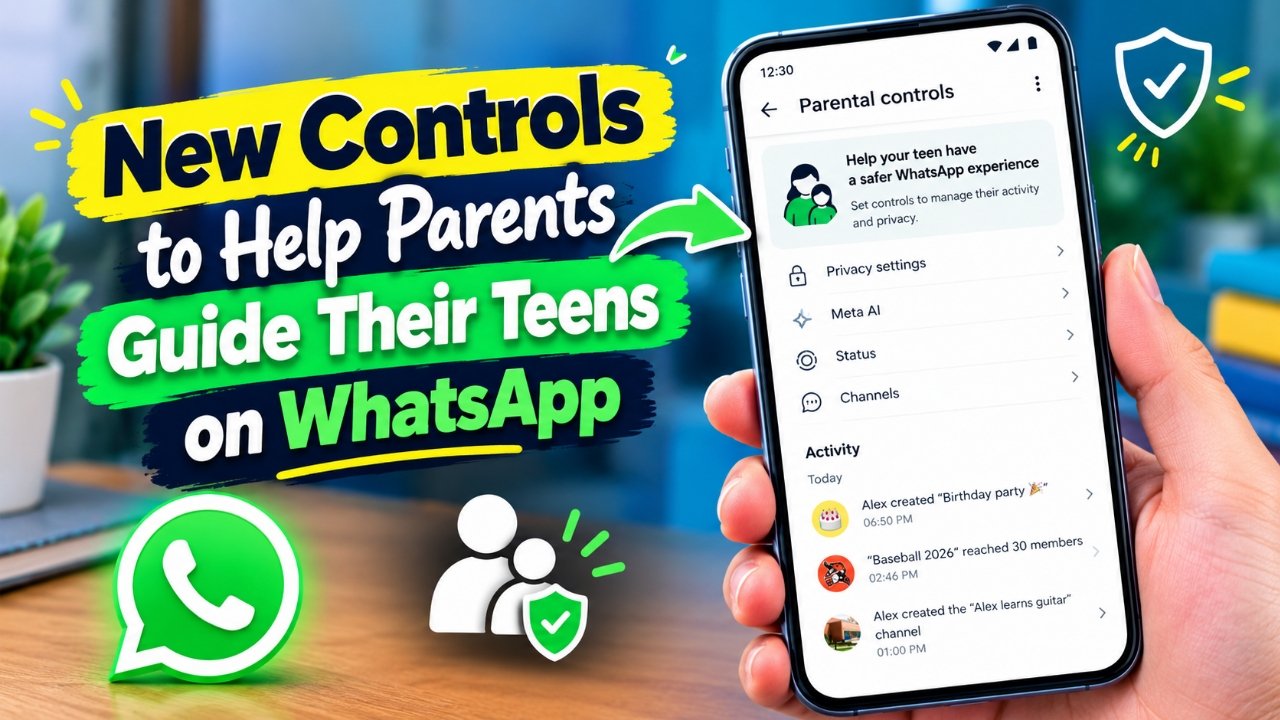
WhatsApp has started rolling out a new Parental Controls for Teens feature designed to give families more control over how teenagers use the messaging platform. The optional feature allows parents and teens to set up certain safety and privacy preferences together, rather than putting all control in the hands of parents.
The new controls are intended to help parents manage specific parts of a teen’s WhatsApp experience while keeping private conversations protected. Importantly, WhatsApp says that personal messages and calls continue to use end-to-end encryption, even when parental controls are enabled.
Also Read: WhatsApp May Soon Add Birthday Reminders for Contacts
What Can Parents Manage on WhatsApp?
The parental controls give parents several options for adjusting their teen’s account. These include settings related to Meta AI, Channels, groups, profile visibility and Status updates.
For example, parents can select privacy options that determine who can see their teen’s profile photo or who can add the account to groups. They can also manage how their teen interacts with Channels and make choices about what can be viewed or shared through Status.
These options are designed to provide families with additional control without requiring parents to monitor the contents of private conversations.
Extra Controls for Meta AI
One of the notable parts of the update is the ability to apply additional restrictions to Meta AI.
Parents can keep the standard 13+ setting or choose a stricter Limited Content option. The latter is intended to limit the type of subjects Meta AI can discuss with a teen.
If a teen wants to change certain restrictions set by their parent, parental approval may be required through a parent-set PIN. This gives parents a way to prevent settings from being changed without their knowledge.
Parents and Teens Can Set It Up Together
WhatsApp is presenting the feature as something families can configure together. Rather than treating parental controls as a permanent restriction, parents can decide which options are appropriate for their teen and change them later if circumstances change.
The controls are also optional. Parents can adjust the settings or turn the feature off when they no longer feel it is necessary.
This approach gives families more flexibility while allowing teenagers to maintain a level of privacy when using the app.
Private Chats and Calls Remain Encrypted
One of the most important points about WhatsApp’s parental controls is that enabling them does not give parents access to the contents of their teen’s private conversations or calls.
WhatsApp states that personal messages and calls remain protected by end-to-end encryption when parental controls are active. This means the contents of those private communications are not made available through the parental-control feature.
The controls are instead focused on account settings, privacy choices and selected areas of the WhatsApp experience.
Notifications Can Help Parents Stay Informed
The feature can also provide parents with certain alerts related to their teen’s WhatsApp activity, including information about group activity. These notifications are intended to help parents stay informed without providing access to private chat content.
Parents can use these tools according to the level of involvement they feel is appropriate for their family.
WhatsApp’s Approach to Teen Safety
The new feature reflects WhatsApp’s effort to give families additional safety and privacy options for teenage users. Instead of providing parents with access to private messages and calls, the controls focus on configurable settings and limited notifications.
Since the feature is being rolled out gradually, its availability and specific options may vary depending on the account, region and version of WhatsApp.
Also Read: WhatsApp Plus Custom Emoji Reactions Feature Now Rolling Out on Android
Final Thoughts
WhatsApp’s Parental Controls for Teens feature gives parents more ways to manage certain aspects of a teenager’s account while preserving the privacy of personal chats and calls. Families can configure the available options together, use a PIN for certain changes and adjust or disable the controls when needed.
As with any parental-control tool, parents should discuss the settings with their teens and choose options that are appropriate for their age and family circumstances.

Sourav Gorai, founder of sabhigyan.com, is passionate about technology, smartphones, apps, and digital tools. With 8+ years of experience in the digital and tech space, he focuses on creating easy-to-understand, practical, and helpful content that makes everyday technology simpler for readers.